One screen setup you can reuse for every client event
Agencies rebuild the same screens for every client: the intro slides, the agenda, the Q&A, the photo wall. Here is how to build them once as templates and data, preview them before the day, and carry them to the next event.
The Wunderframe team 3 min read
If you plan events for clients, you know the pattern. Every event needs the same things on screen — a welcome, speaker intros, what is on next, a way for the audience to ask questions, something for the breaks — and every event, someone builds them again in a slide deck, a Q&A tool and a photo wall service, with a new login each time.
The alternative is to separate the three things a screen shows: the design, the data and when it plays. Build the designs once. Swap the data per client. Plan the timing per event.
Designs with blanks
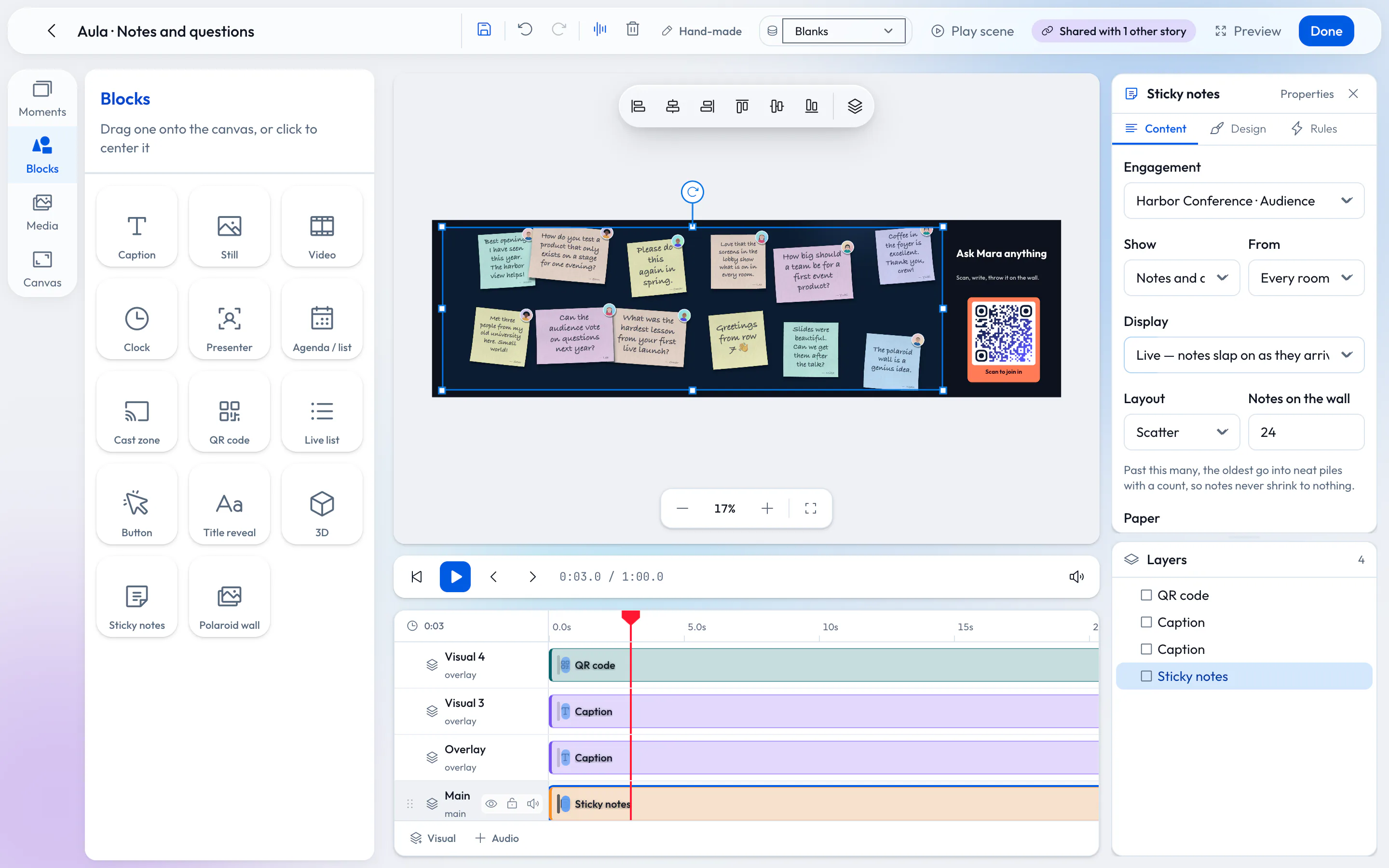
In Wunderframe a scene is made of blocks on a timeline: captions, pictures, video, clocks, QR codes, agenda lists, presenters, audience walls. Write {speaker} or {title} in a caption and the scene becomes a template: it fills from whichever record it is given. Build a speaker intro, an “Up next” card and a sponsor card once, and they work for every client whose data has those fields.
A scene in the editor: blocks on a canvas, the timeline below.
The client’s program as data
Clients send programs in every shape. Put it in a collection: type it in, upload the CSV they sent, or read a JSON address from their event platform. You map their columns to your blanks once, and the templates, agenda boards and countdowns fill by themselves. A late change is a changed row, not a re-exported deck.
A handy habit: one workspace per client (or per client event), and your own agency workspace for the designs you start from. You can belong to several workspaces and switch between them.
Presets for the moments you repeat
Some moments come back at every event: doors open, the break, the awards, the end. Save each as a Preset — what every stage plays at that moment — and recall it with one tap from the Live desk. For a scripted evening, write a show: cues in order, and one GO takes the next.
Preview before anyone travels
The preview plays a session exactly as the stage will, marked “not on any screen”, with a time scrubber to jump to the moment you want to check. Walk the client through it before they sign off. Remote speakers rehearse with the same personal link they will use on the day, and nothing they do reaches a real screen.
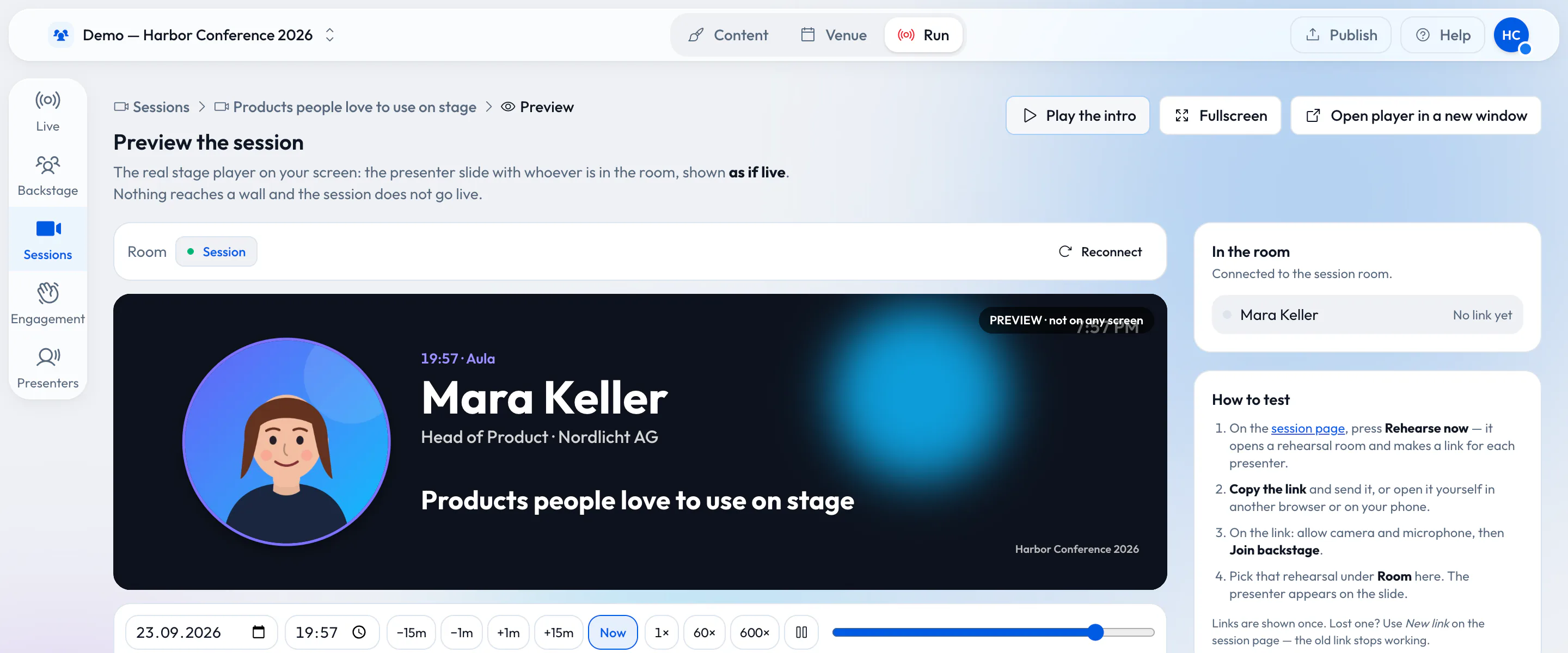
The session preview: exactly what the stage will play, on no screen.
On the day, the right person on the right button
Give the people who run the room the operator role. They see Live and Backstage, take scenes, run the show and black out a room, and they can’t edit your designs by accident. The Live desk works on a laptop, a tablet or a phone.
What you still have to do per event
Reuse has limits, and it is better to know them. The venue’s screens still need a player and a pairing, or the venue has to run Wunderframe itself. Each client’s colors and logos still need a guest page design and a pass over your templates. And the program still has to arrive in a shape you can map. What you stop doing is rebuilding the screens.
Start with one template
Build a speaker intro with blanks, import last event’s program as a CSV and watch it fill. More for agencies on Wunderframe for event agencies and planners; the details are in Templates and data and Team and roles. Start free.
Related posts
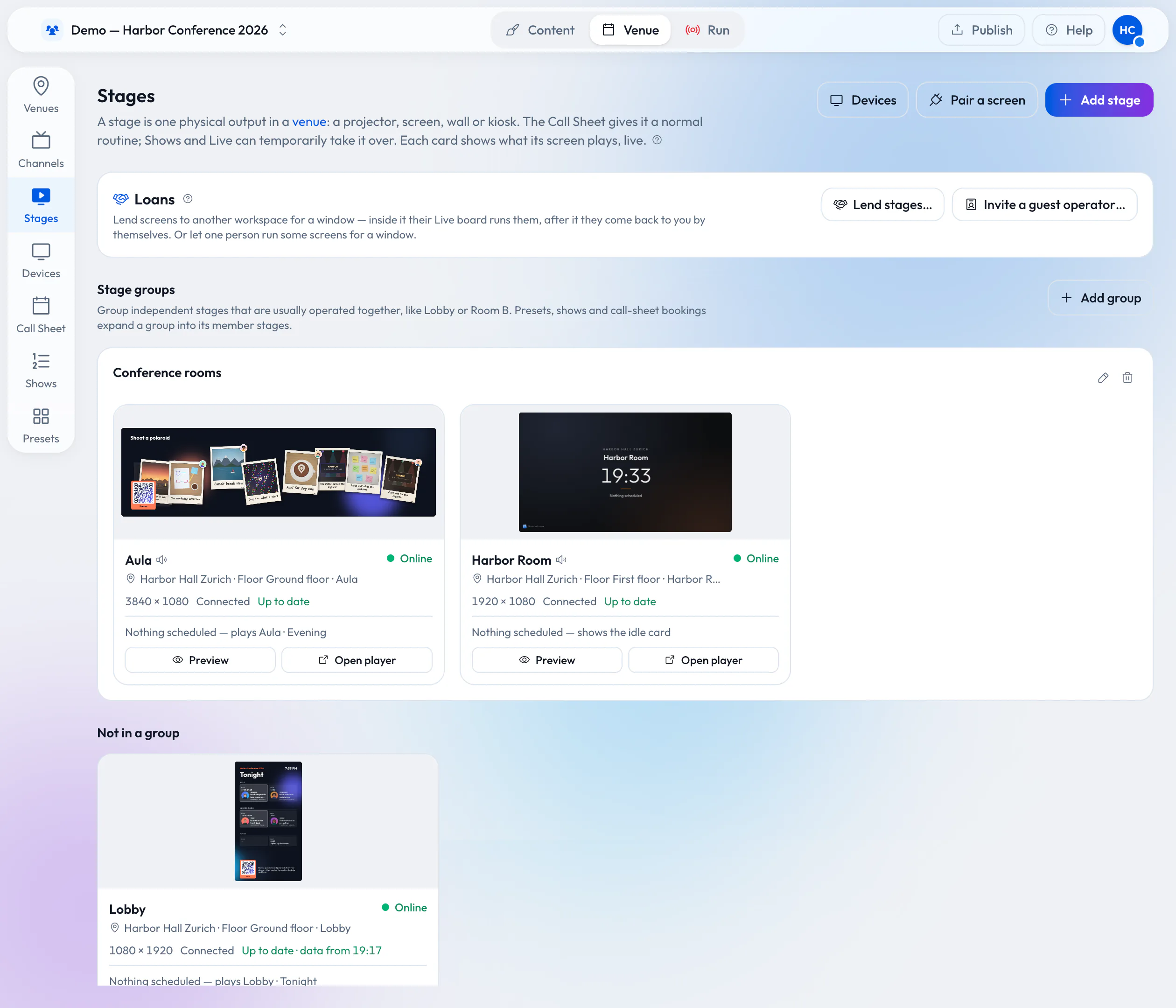
Lend your wired screens with the room
Your rooms already have screens on the wall. Lend them to the organizer who books the room: they prepare and run everything in Wunderframe before they arrive, nothing is wired on the day, and the screens come back to you when the booking ends.
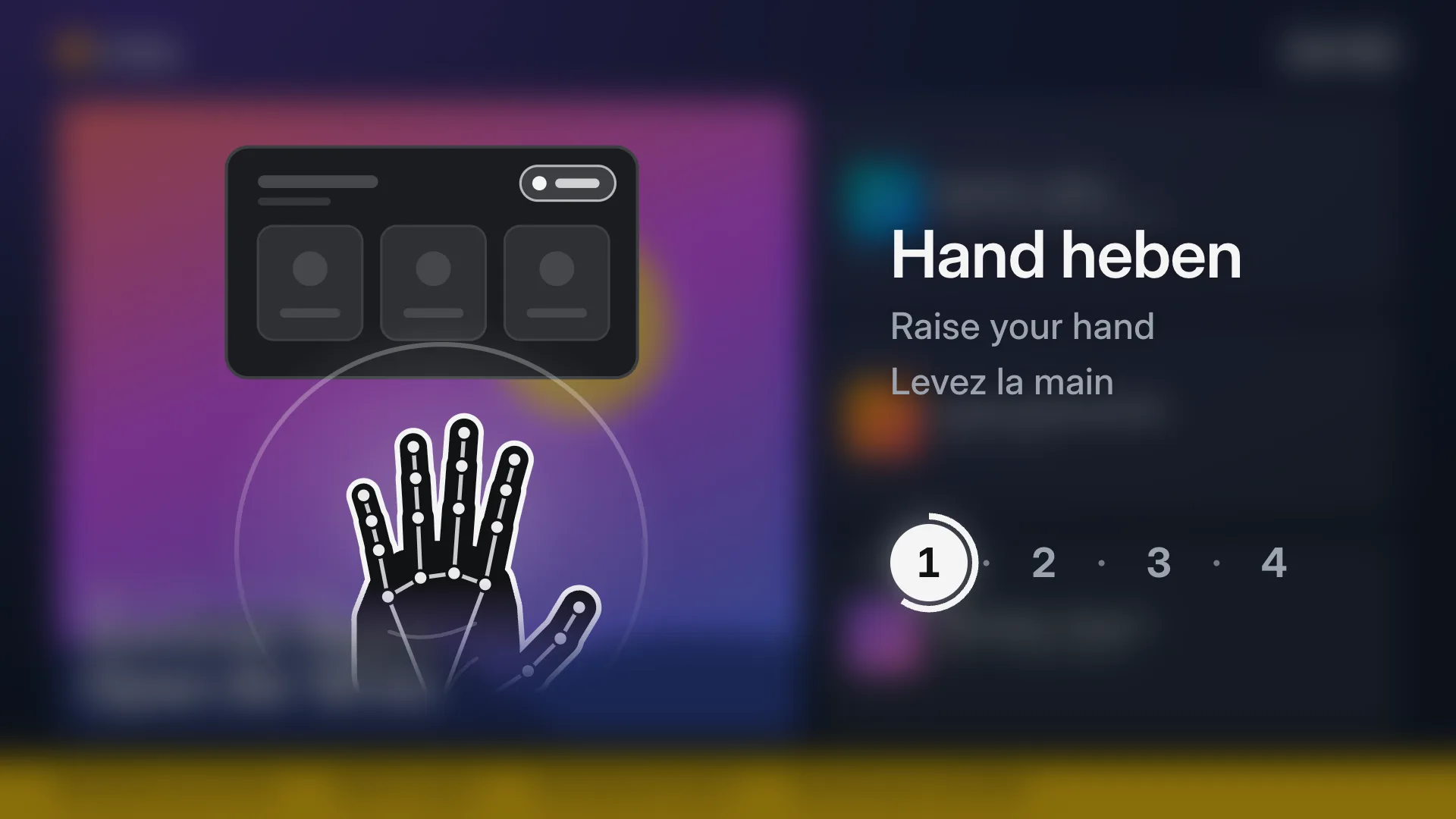
Screens you use with your hands: no touch, no app
Any TV and an ordinary webcam make a kiosk visitors use from a step away: raise a hand, point, pinch, swipe. How it works, what it needs, how people learn it, and how to set it up in four steps.
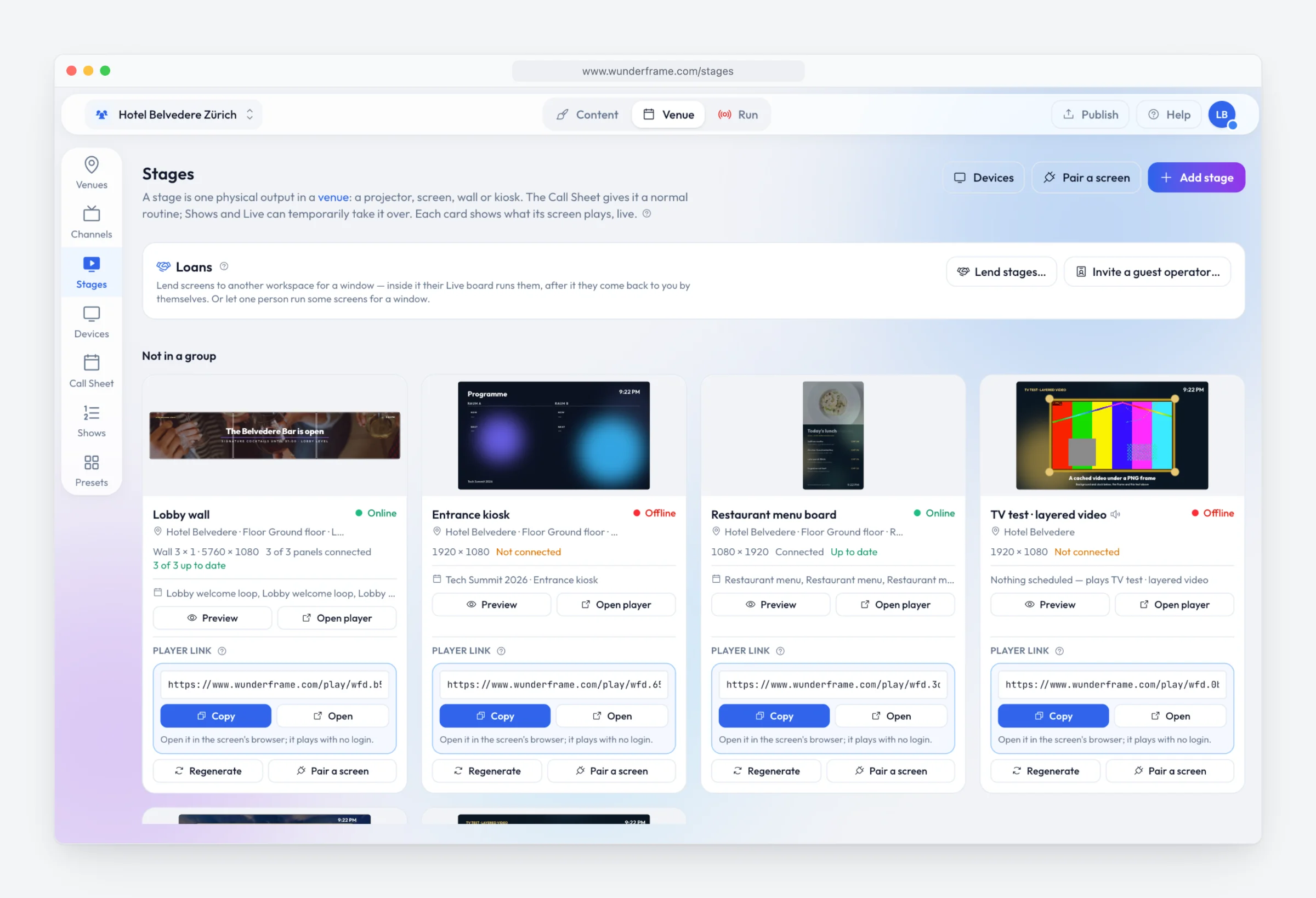
Digital signage with Wunderframe: not only for events
We are often asked whether Wunderframe is only for events. It is not: the same system runs the menu board, the reception screen and the shop window every day — and can turn an ordinary TV into a screen people use with their hands.