For venues and hotels
The room comes with the screens. The screens come back with the room.
Your rooms already have screens on the wall. With Wunderframe you lend them to the organizer for the time they booked: they prepare everything from their office and run it from their own phone. When the booking ends, your screens return to your program by themselves.
The situation today
The organizer arrives with a laptop and a bag of adapters, someone from the house explains the inputs, and the corridor screen keeps showing the welcome loop because nobody knows how to change it.
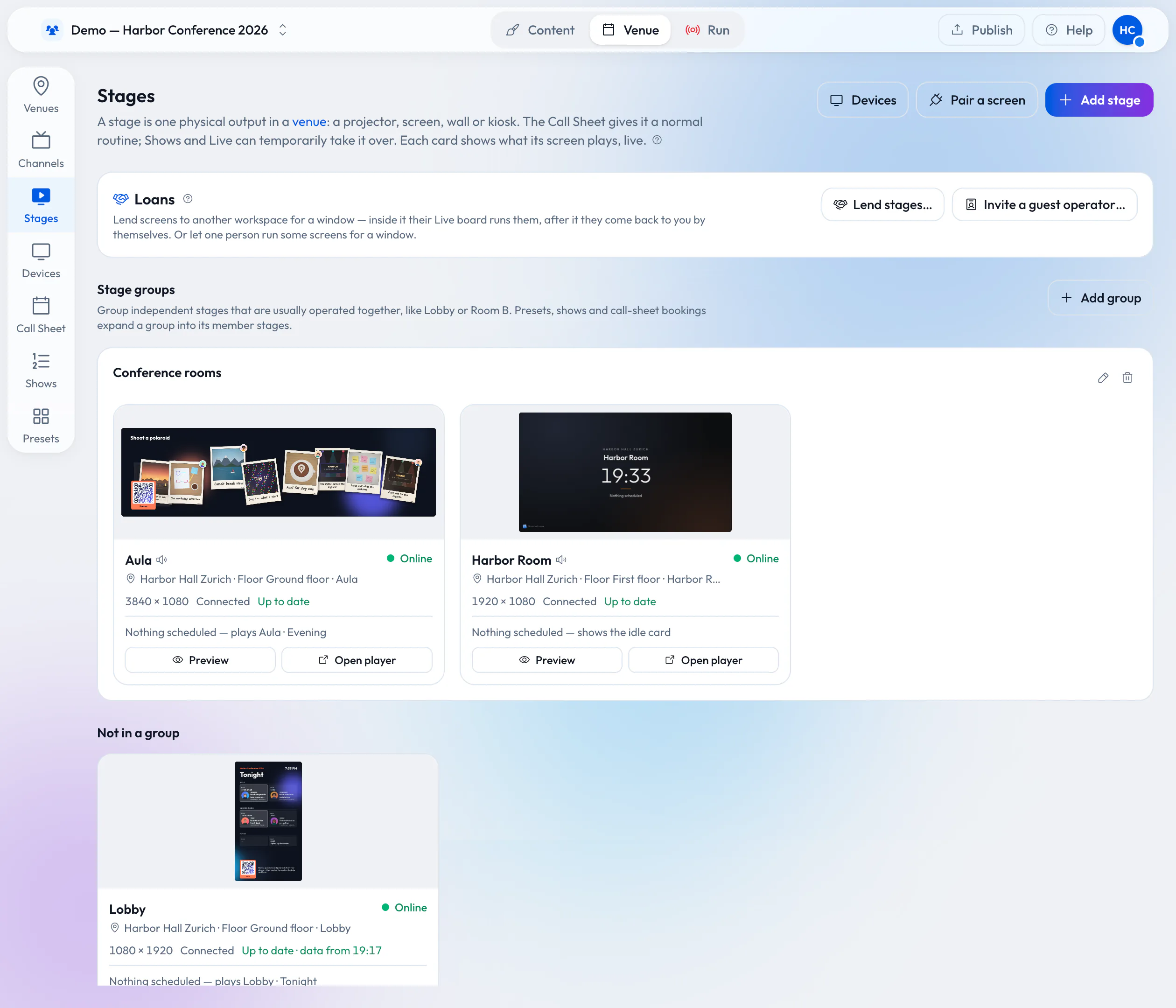
Lending stages
Hand over the screens with the booking.
On the Stages page, pick the stages or a whole stage group, the window in the venue’s time, and what the organizer may do: run it live, or also book it on their call sheet. They accept into their own workspace and can prepare days ahead.
- Inside the window their program plays; outside it, yours
- A stage’s windows never overlap, so a screen is never promised twice
- Revoke a loan early at any time; both sides’ history records it
Guest operators
One external stage manager, one afternoon.
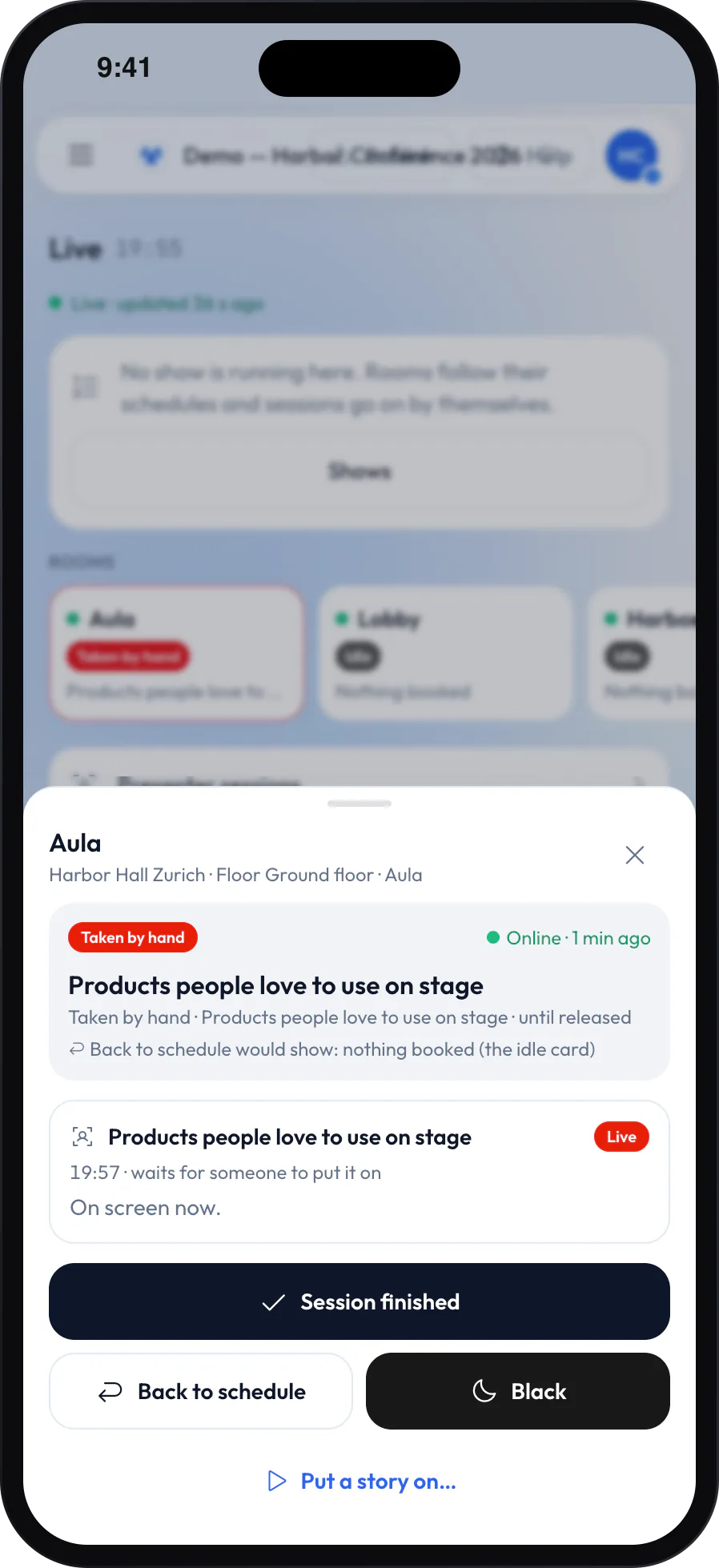
When the guest is one person rather than a company, invite them as a guest operator by email. They see only the Live desk and Backstage, only for the stages you picked and only inside the window. Every take is logged with their name, and their access ends by itself.
Between bookings
Screens that know what to play all day.
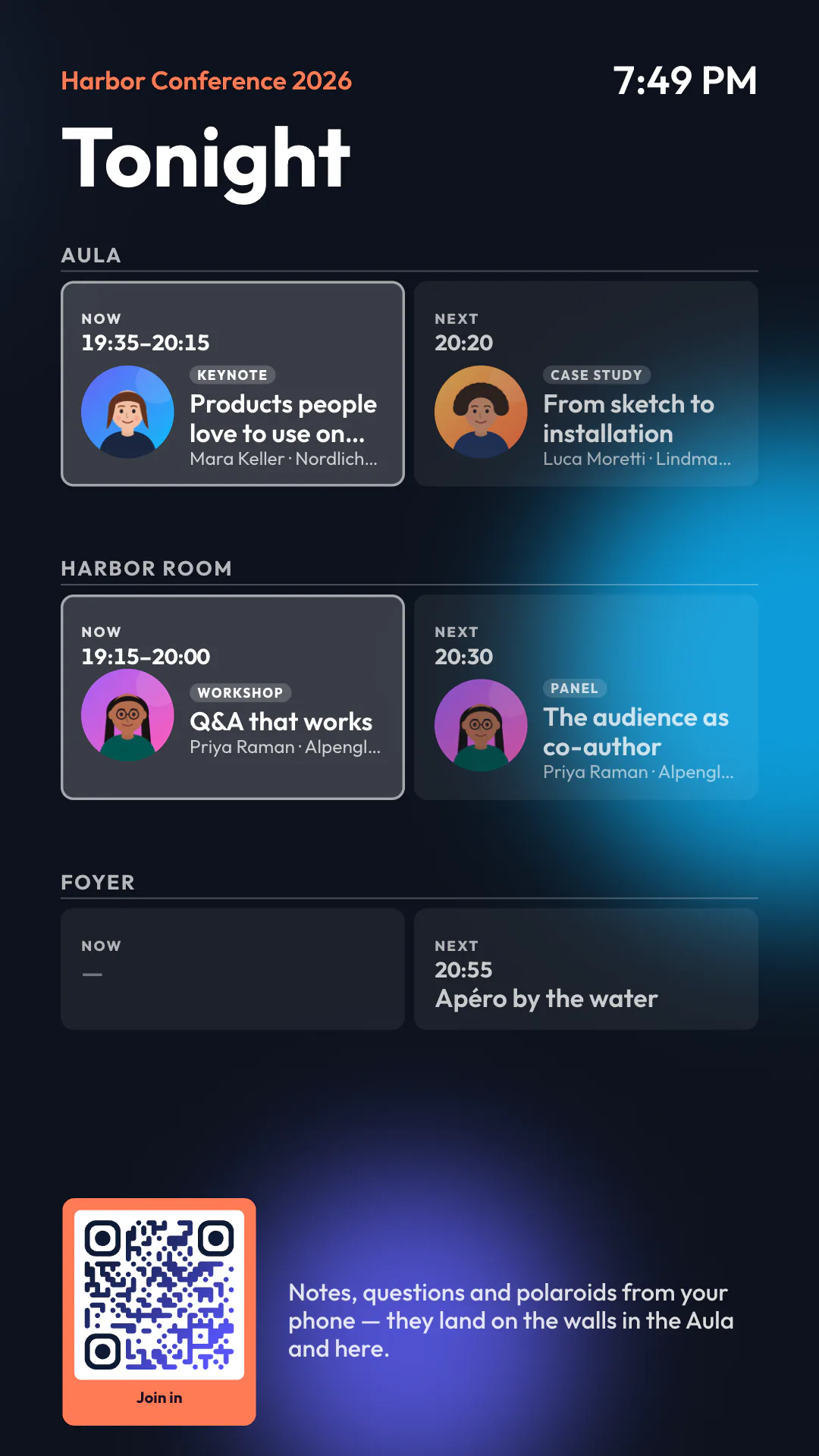
Every screen follows your call sheet: the welcome loop in the morning, today’s events in the lobby, the idle card when nothing is booked. Rules switch them by the time of day, and an agenda board shows what is on now and next in every room.
Around the house
More than the meeting rooms.
-
TV in the lounge and the bar
TV channelsAdd your TV provider’s channel lists and play a channel inside your own frame, with the time and what is on.
-
Guests share to a screen
Cast zonesA cast zone in a design lets a guest’s picture appear on a lounge screen — with an approval step if you want one.
-
Screens visitors can use
Interactive screensWith touch or a webcam, a lobby screen stops for a visitor, lets them open a session or a floor, and goes back to its loop.
-
Walls in sync
WallsSeveral screens play as one picture, each showing its part.
-
Keeps playing through a drop
Offline and cachingPlayers keep their program on the device and play on when the network goes away.
-
Operators for one venue
Team and rolesGive your house technicians the operator role: they run the screens and edit nothing.
What you need
The screens you already have.
-
A player behind each screen
A browser on a smart display, an Android TV box with the Wunderframe app or a Raspberry Pi. Each pairs with a six-letter code.
-
The house network
Screens need the internet to receive their program; live presenters need a steady connection.
-
An owner to lend
Only an owner of your workspace can lend stages. The organizer needs a workspace of their own, which they can start free.
Read more
For venue and hotel teams.
-
Lend your wired screens with the room
Read the postA loan from offer to return, step by step.
-
What venue screens do between bookings
Read the postCall sheets, idle cards and lobby boards for a house that is never empty.
-
Old TV boxes and Raspberry Pis as players
Read the postWhat the cheapest players can and can’t do.
Lend one room’s screen and watch the handover.
Pair a screen, lend it to a colleague’s workspace for an hour, and see it come back by itself.
Free while in early access. No credit card needed.