For weddings and private celebrations
Every guest’s photo on the big screen.
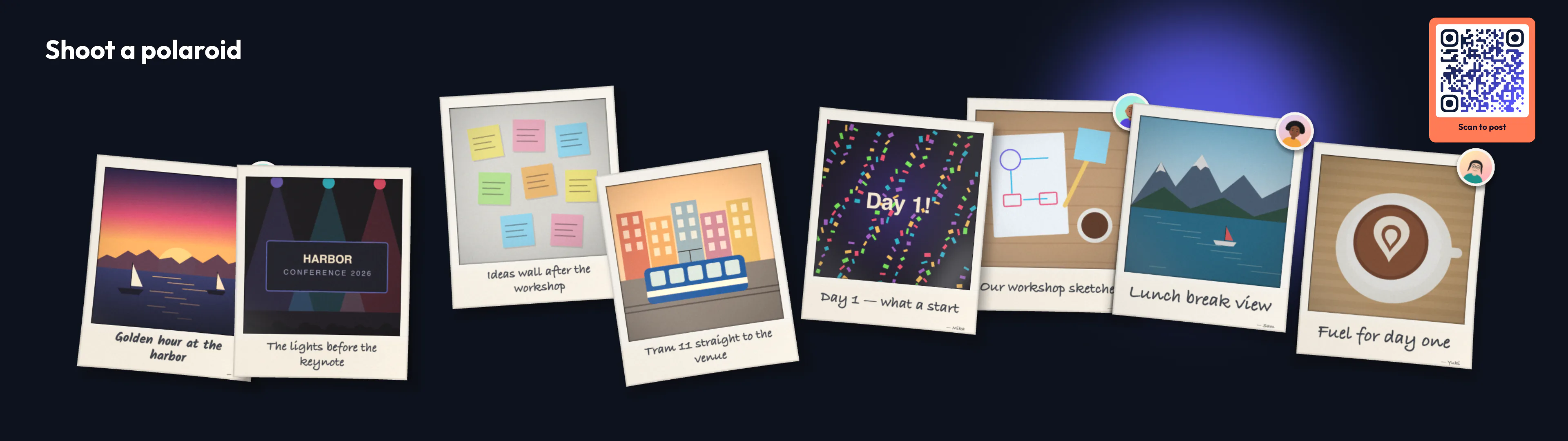
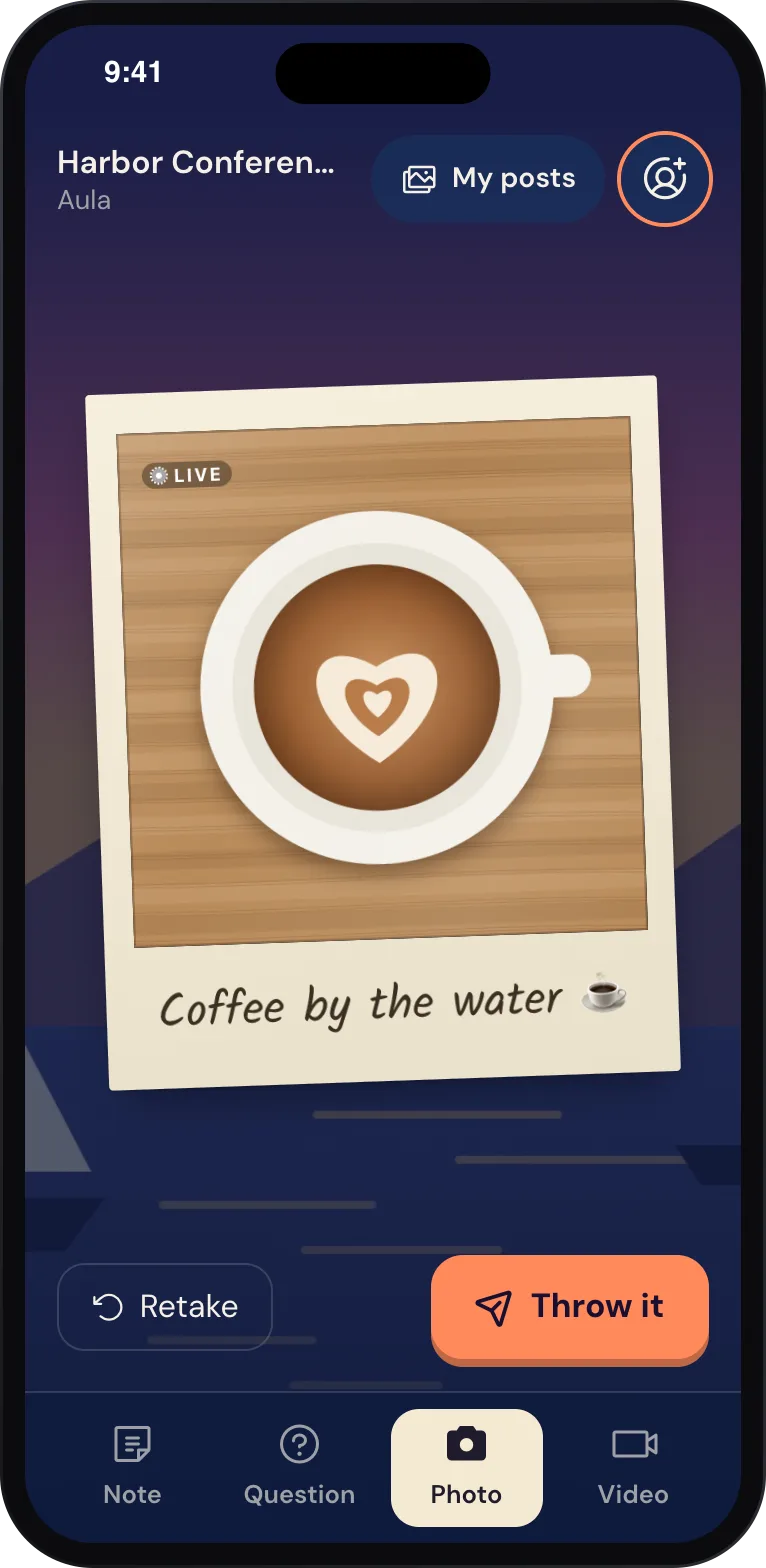
Your guests already carry a camera. With Wunderframe they scan a QR code, take a photo or write a wish, and it lands on the screen or the projector as a polaroid or a sticky note — while the party is still going.
The situation today
The best photos of a celebration are on a hundred phones, and most of them are only seen weeks later — if someone collects them at all.
Joining in
A QR code, and they’re in.
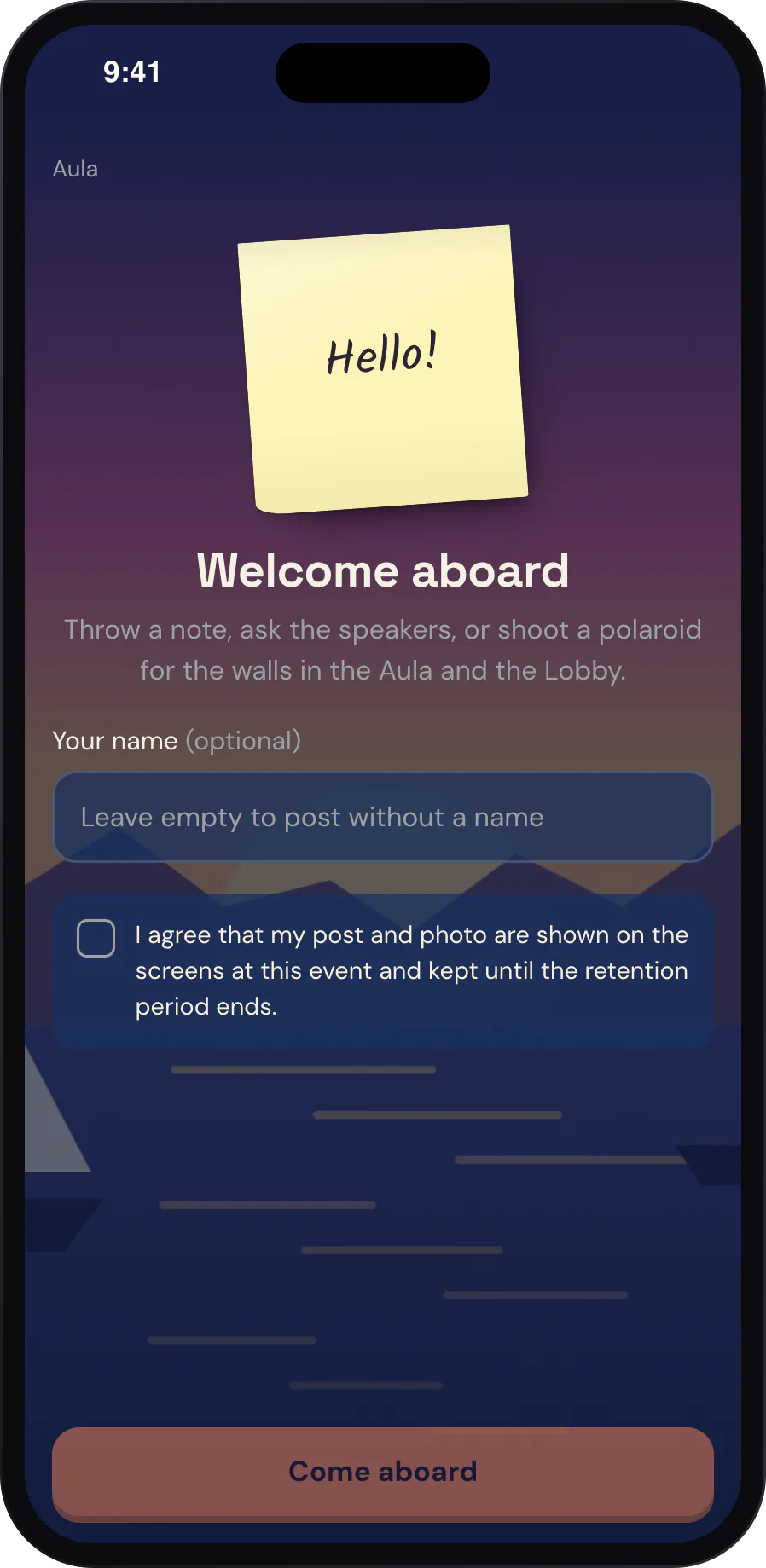
Guests scan the code on the screen or on the table card. A page opens in their phone’s browser in your design, with a welcome in your words. A name is optional, and the page speaks English, German or French.
If you ask for consent, guests agree to your text before they post.
The polaroid wall
Photos that arrive like real prints.
The phone counts down three seconds while the top edge of a polaroid peeks in on the screen. Then the photo shoots up big and settles into the wall with the guest’s handwritten caption. New prints come first, and everyone gets their turn.
- Live photos move now and then
- Short videos play in the same frame, with captions made from what the guest says
Wishes
Words for the couple, on the wall.
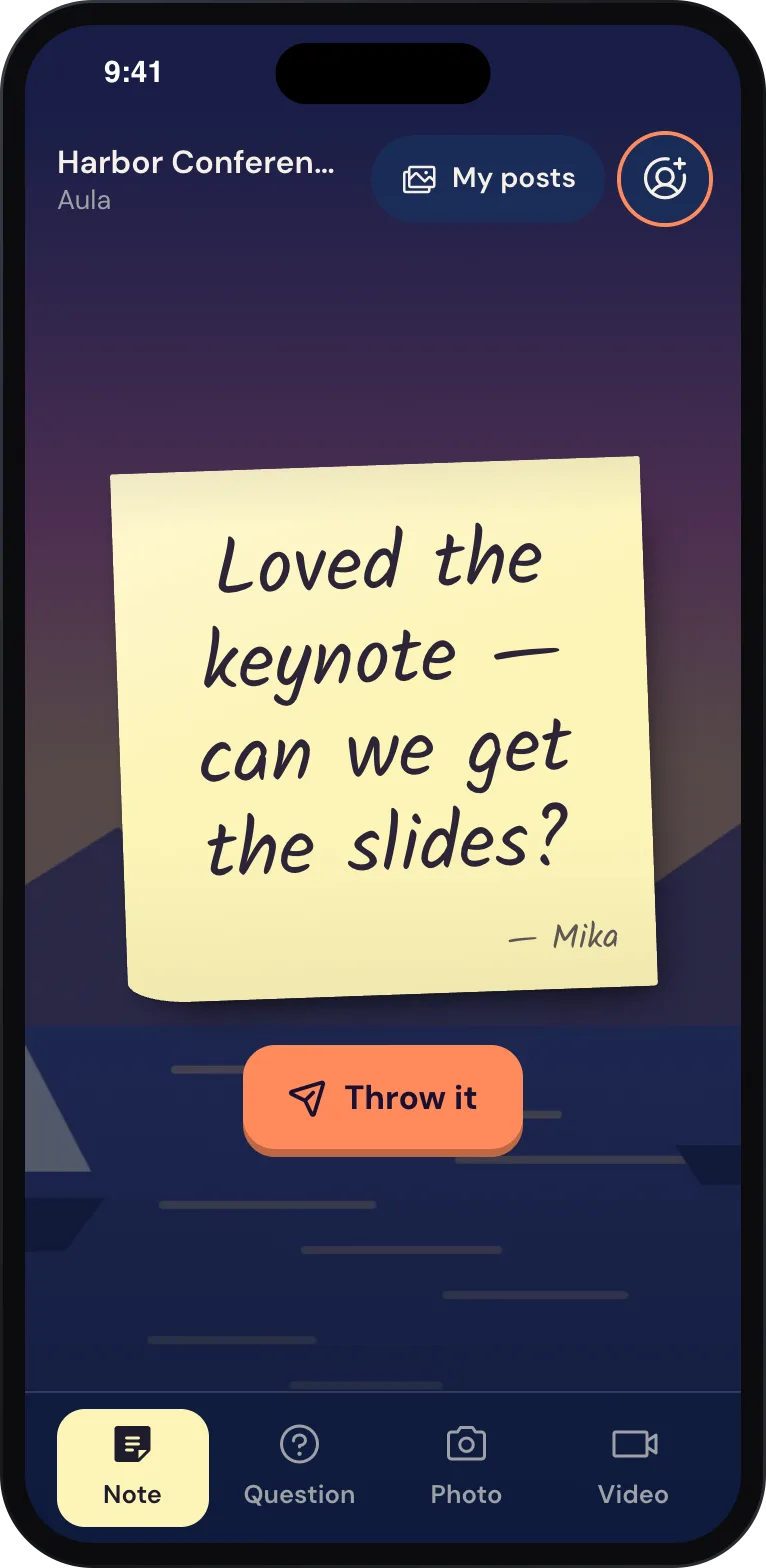
Guests write straight onto a sticky note on their phone and throw it onto the notes wall. What they see is what lands on the screen.
You stay in charge
A wall that fits the evening.
-
Approve first, if you like
Posts can go straight up, or wait until someone you trust approves them on a phone.
-
Pause for the speeches
Pause the engagement during a toast. Guests can still post; their photos appear once it opens again.
-
Your colors and words
A guest page design sets the colors, fonts, background picture and texts guests see.
-
Kept only as long as you say
You set how long posts are kept. After that, photos and their files are deleted automatically.
-
Take it home
Guests share or save their own photos and videos from the page. On Free, the shared copy carries a small watermark; the wall shows the clean original.
-
Faces stay with us
Faces are found only to frame a photo well, on our own platform — no photo goes to an outside service for that.
What you need
A screen, a QR code and your guests.
-
A screen or a projector
A TV or projector with a browser, an Android TV box or a Raspberry Pi. The venue’s screen often works.
-
Internet at the venue
The screen and the guests’ phones need a connection — Wi-Fi or mobile data.
-
Your guests’ phones
Any recent smartphone with a camera and a browser. Nothing to install.
Read more
Before the big day.
-
A guest photo wall for your wedding
Read the postHow to set it up, and what makes guests actually use it.
-
Photo booth hire vs your screens
Read the postWhat each does well, and when to use both.
-
Privacy
DocsConsent, retention and how faces are handled.
Try the wall with your own phone.
Create an engagement, put the polaroid wall on a screen and take the first photo yourself. Event Pass — one payment for one event — is coming soon.
Free while in early access. No credit card needed.