Airports and business parks
Every screen on the site, from the gate to the lobby.
A departure hall, the lobby of every building, the screens by the lifts and at the entrance: Wunderframe runs them all from one place. Live data from your own systems, news and directories from your lists, and wayfinding visitors can use with their hands — in the languages your visitors read.
The situation today
One system for the departure boards, another for the lobby screens, a folder of slides for each building — and every tenant asking how to get their news on.
Live data
Departures and live values from your own systems.
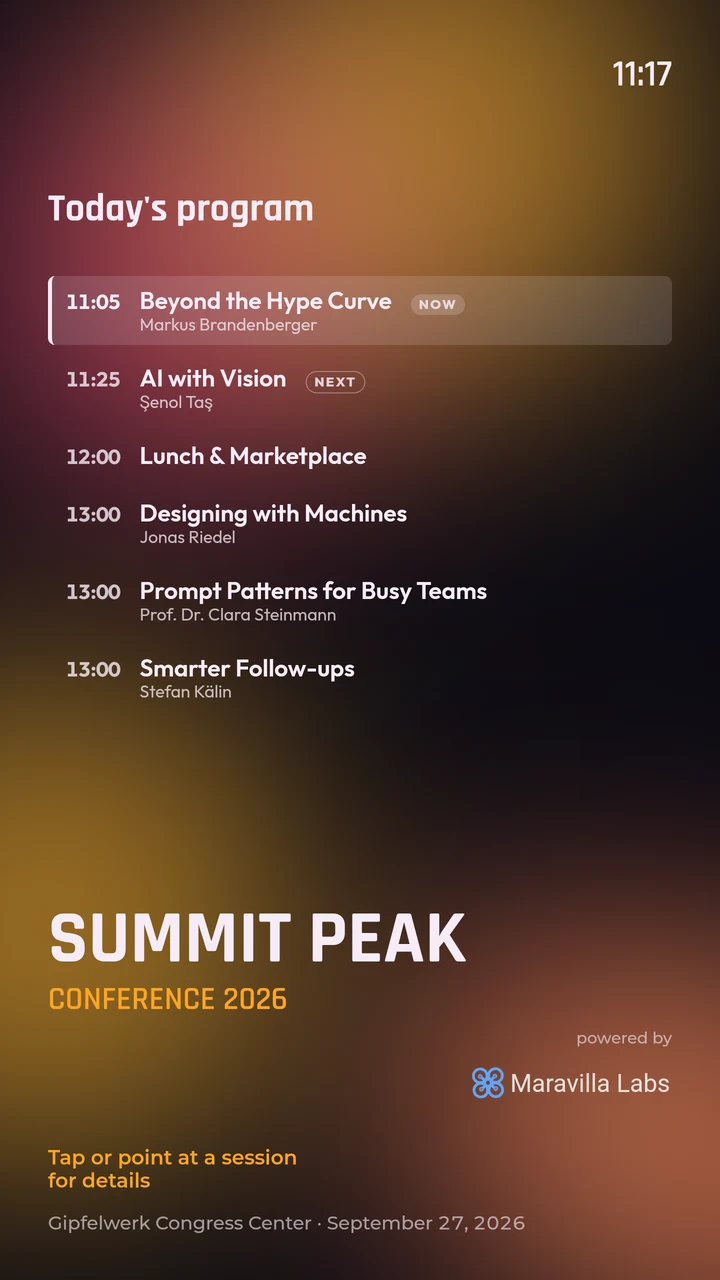
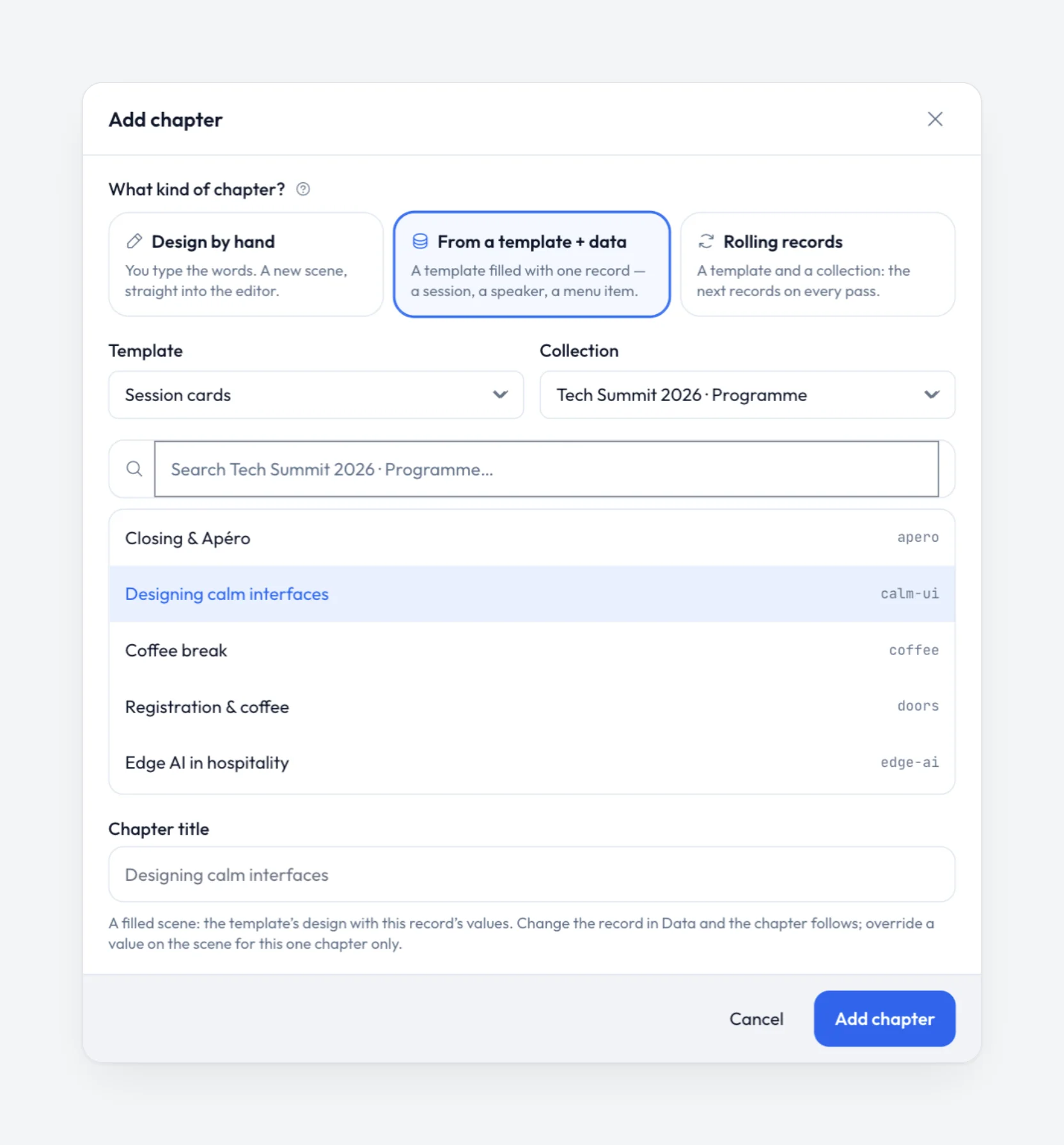
Design a screen once with blanks and fill it from your data. An address only reachable inside the site — a departure system, a local server — is fetched by the players on the site’s own network. Values that change every few seconds, such as departures, use the Live list block.
- Opening hours, the tenant directory and today’s news from a list or a feed
- Change the list and every screen that shows it changes
- Each screen keeps a copy of the data it shows, so it does not depend on every request
Wayfinding
A screen visitors use with their hands.
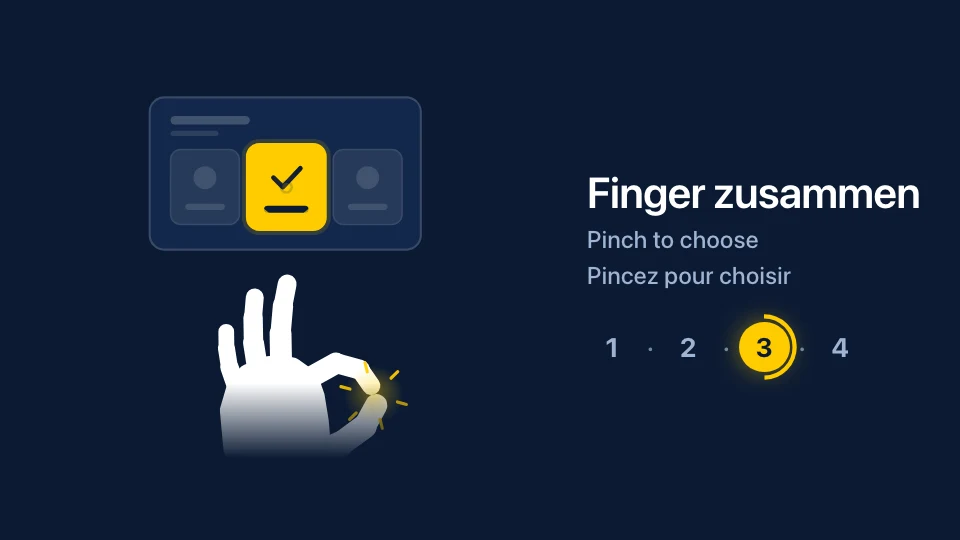
With a webcam, an ordinary screen becomes one visitors can use: point to choose a row, pinch to open it, swipe to the next. Nothing to touch, so it works behind glass. A guide over the screen shows how, with its caption in several languages.
The camera picture never leaves the screen: it is not shown, stored or sent, and nobody is recognized or counted.
Languages
The languages your visitors read.
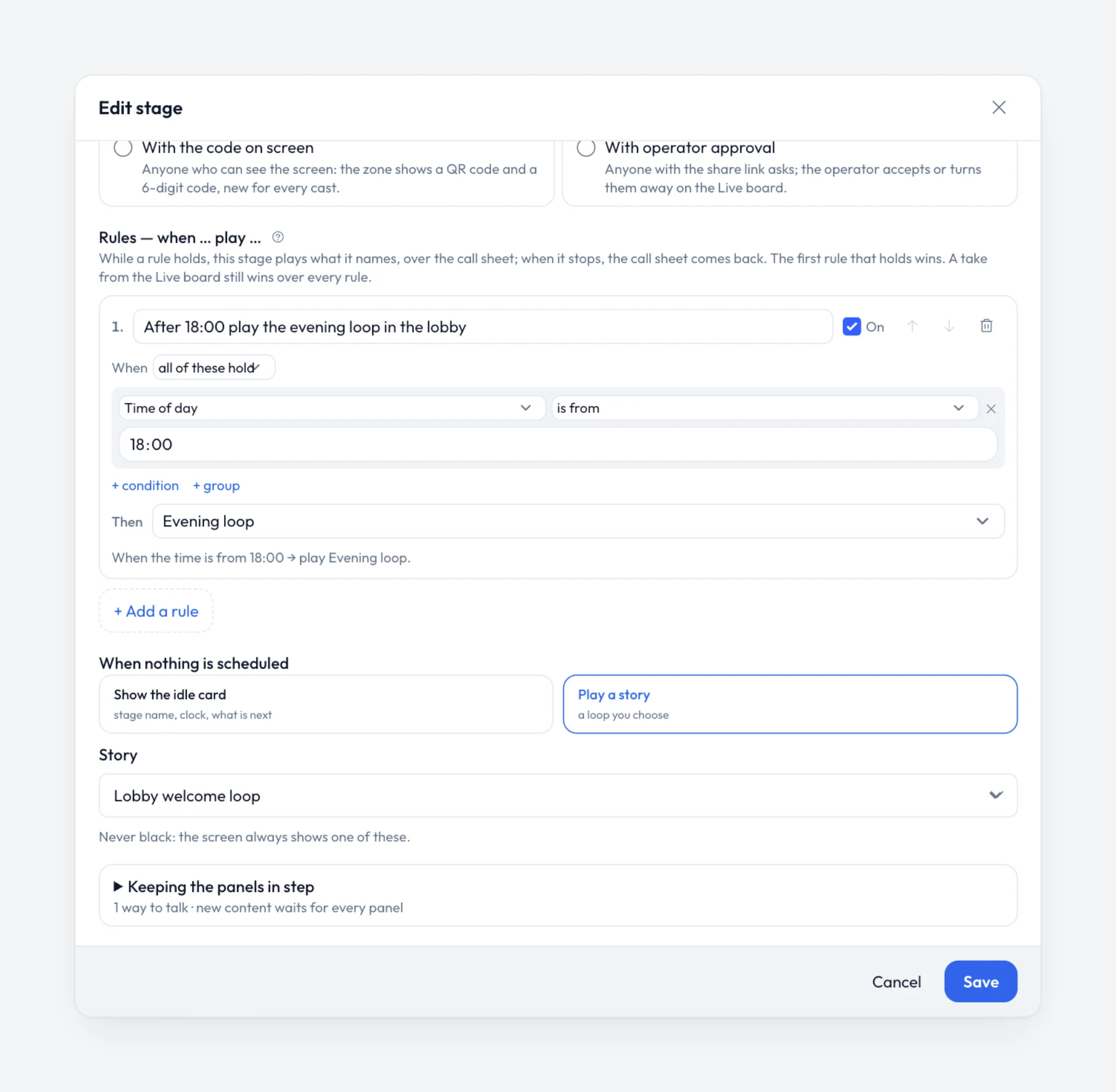
A screen that speaks German, English and French turns all of its words together, one language after the other. Rules switch content by time of day, weekday or a value in your data, so the morning and the evening each get their own.
Runs without you
Screens across the site you never have to visit.
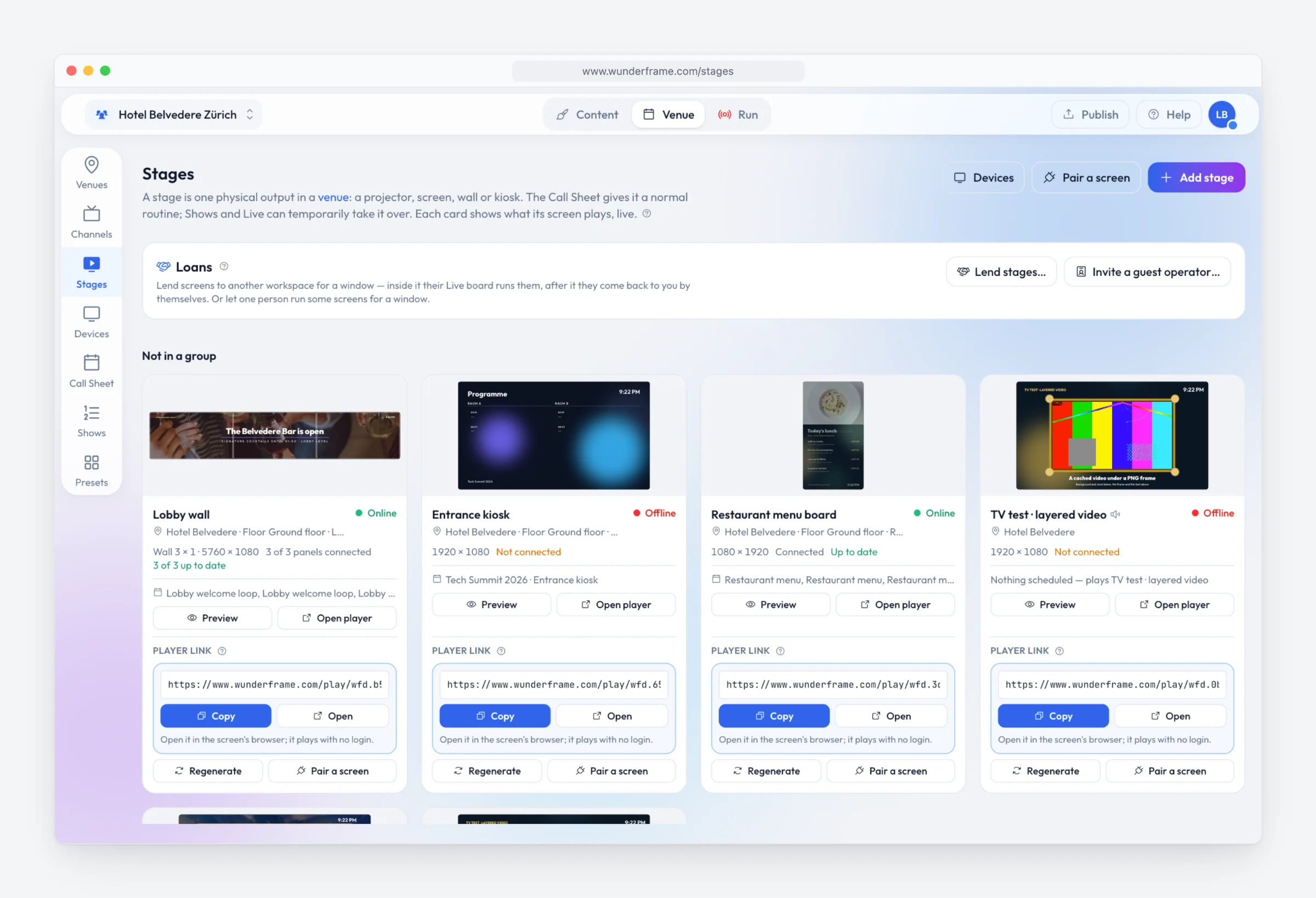
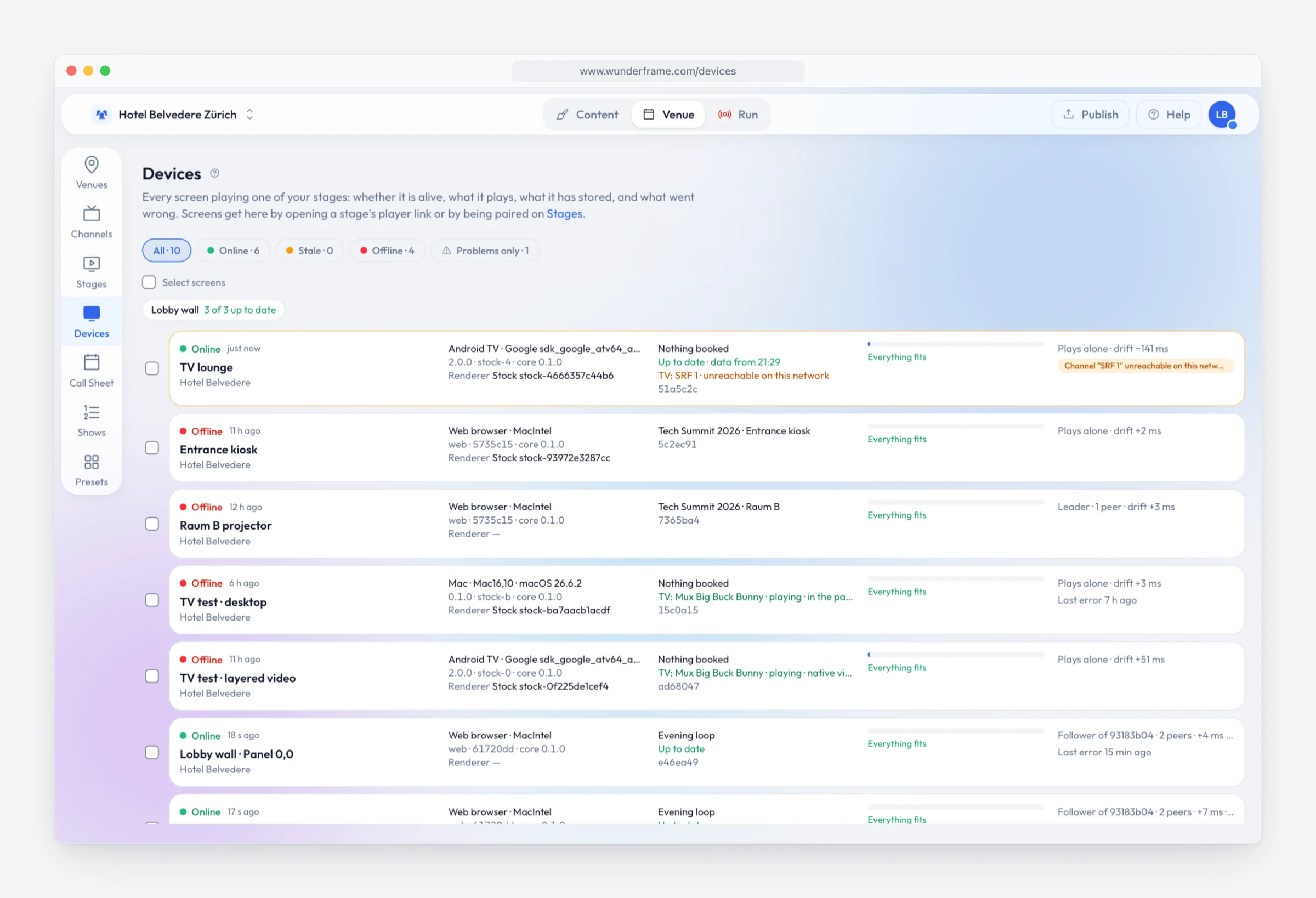
Each screen keeps its program and media on the device and is designed to keep playing through a network outage. From one office you see which screens are online and what they play, take a screenshot, change a setting or restart one — on every building of the site.
Where it fits
The screens of a whole site.
-
Terminals and departure halls
Data on screensDepartures and arrivals from your own system, with the gates, the time and your messages around them.
-
Business parks and campuses
RulesThe tenant directory, the park’s news and what is on today, on the screens of every building.
-
Entrances and big statements
WallsSeveral screens as one picture — a video wall in the entrance, built from ordinary TVs.
Start with one screen on the site.
Create a workspace, pair a screen with its six-letter code and fill it from your own data in a few minutes.
Free while in early access. No credit card needed.