Clubhouse screens: fixtures, sponsors and a fan wall
A practical setup for a sports club: a fixture board that fills from your spreadsheet, a sponsor loop that treats every sponsor fairly, a fan photo wall on match day — and an honest word about live scores.
The Wunderframe team 3 min read
Most clubhouses have a screen. It usually shows one of three things: the TV channel someone left on, a slideshow from a USB stick that was last updated two seasons ago, or nothing. Meanwhile the fixtures live in a spreadsheet, the sponsors ask whether anyone sees their logo, and the best photos of the season sit on the players’ phones.
Here is a setup that a volunteer can run, on hardware a club can afford.
Start with the fixture list you already have
In Wunderframe, a list of fixtures is a collection: named fields such as date, time, home, away and pitch, and one record per match. You can type them in, upload a CSV exported from your spreadsheet, or point Wunderframe at a JSON address or feed if your league or club software offers one.
Then two things use it:
- an agenda board that shows today’s matches and the next ones by the clock, in a design you choose;
- a template — a scene with blanks like
{home}and{away}— that turns each row into a full-screen match card.
When a kick-off moves, you change the row, and every screen that shows it follows. How it works is in Templates and data.
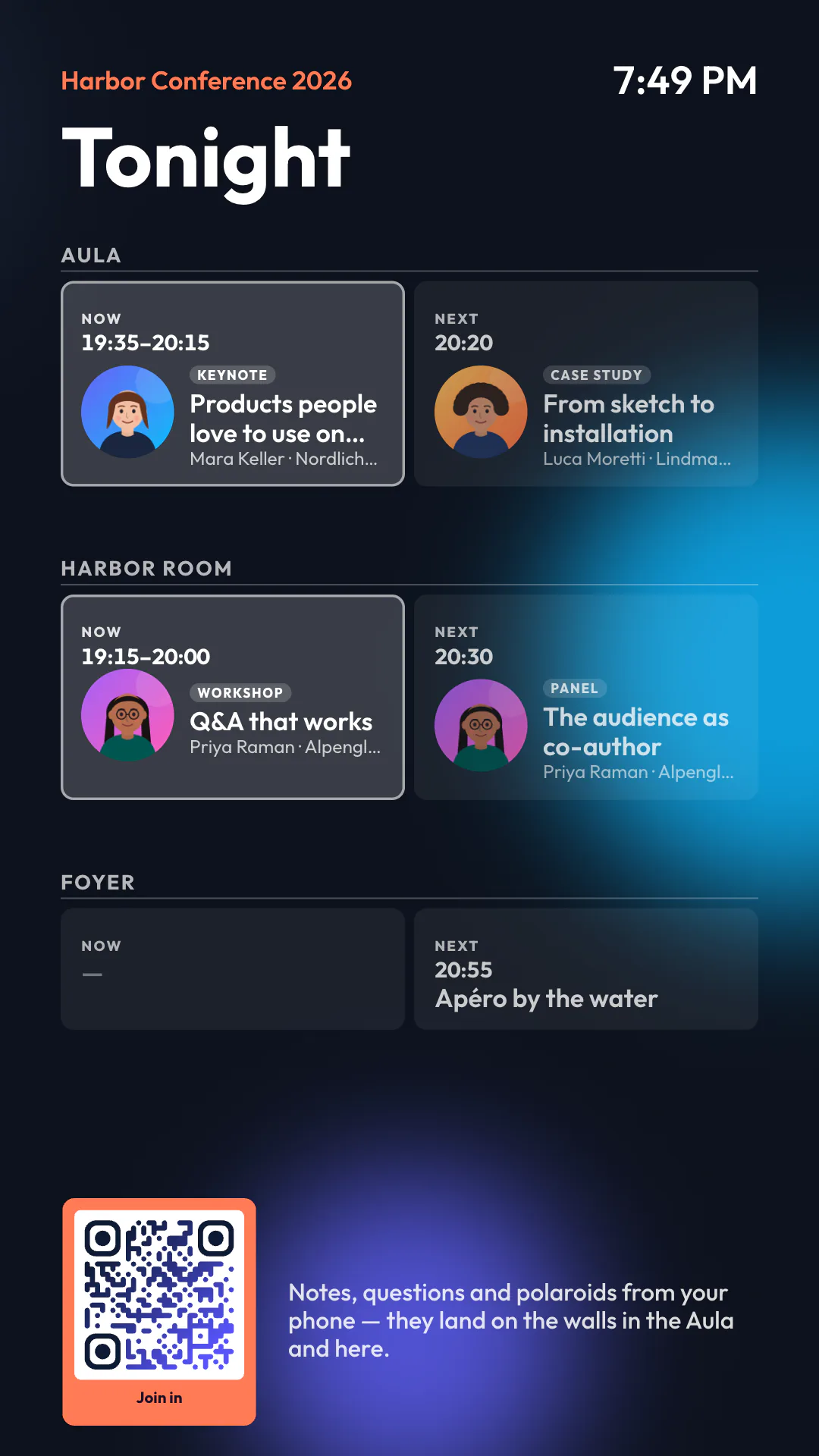
An agenda board from a conference demo. The same board shows fixtures when the collection holds matches instead of talks.
About live scores
Be clear about what this is. Data read from an address refreshes on a schedule you set, from every few minutes to once a day, or when you press Sync now. That is right for fixtures, tables and results after the match. It is not a live score ticker.
If your club already has a live data source, there are two ways to use it: a native player (Android TV or Raspberry Pi) can read addresses on your own network, and a custom renderer can draw whatever your source sends. Both are small projects for someone technical, not a switch in the settings.
A sponsor loop that is fair
Keep sponsors as a collection too: name, logo, a line of text. A story with a rolling chapter passes through every record in one design, so each sponsor gets the same time and the same look. A new sponsor is a new row, not a new slide someone has to design at eleven at night.
The fan wall on match day
Put a QR code on the screen at half-time or after the final whistle. Fans scan it, a page opens in their phone’s browser — no app, no account — and they send a photo or a note. It lands on the wall as a polaroid or a sticky note.
- With approval on, posts wait until a volunteer lets them through. That is the sensible choice for a youth club.
- You set how long posts are kept; after that they are deleted automatically.
- A name is optional.
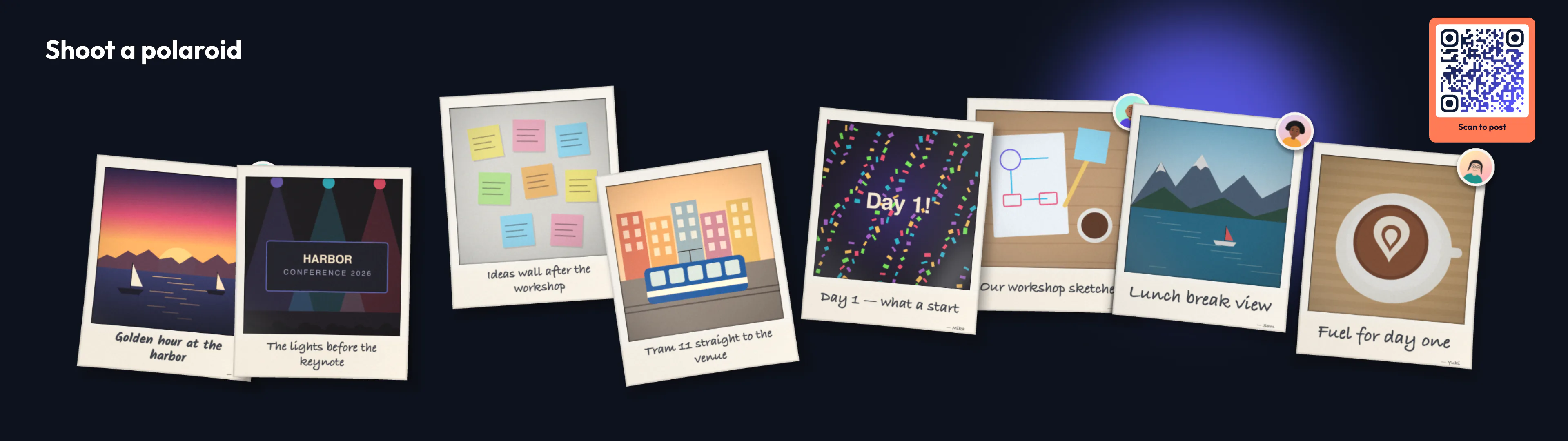
Guests’ photos arrive as polaroids with their captions.
The match on the TV, and the rest of the week
If your TV provider gives you a channel list, a video block can play a channel inside your own frame, and you switch to it from the Live desk or by a rule. Rules and the call sheet do the scheduling: the training plan in the afternoon, sponsors in the evening, the idle card at night. Nobody has to remember to change it.
Hardware a club can afford
Behind the TV you need a player: an Android TV box with the Wunderframe app, a Raspberry Pi, or any screen with an up-to-date browser. It pairs with a six-letter code and keeps playing through a network drop. The Live desk runs in a browser, so the volunteer on duty can run it from their phone.
Try it this week
Pair the clubhouse screen, import your fixtures as a CSV and put your sponsors on a loop. The whole picture for clubs is on Wunderframe for sports and club events, and the idle card and call sheet are explained in What your venue’s screens can do between bookings. Start free.
Related posts
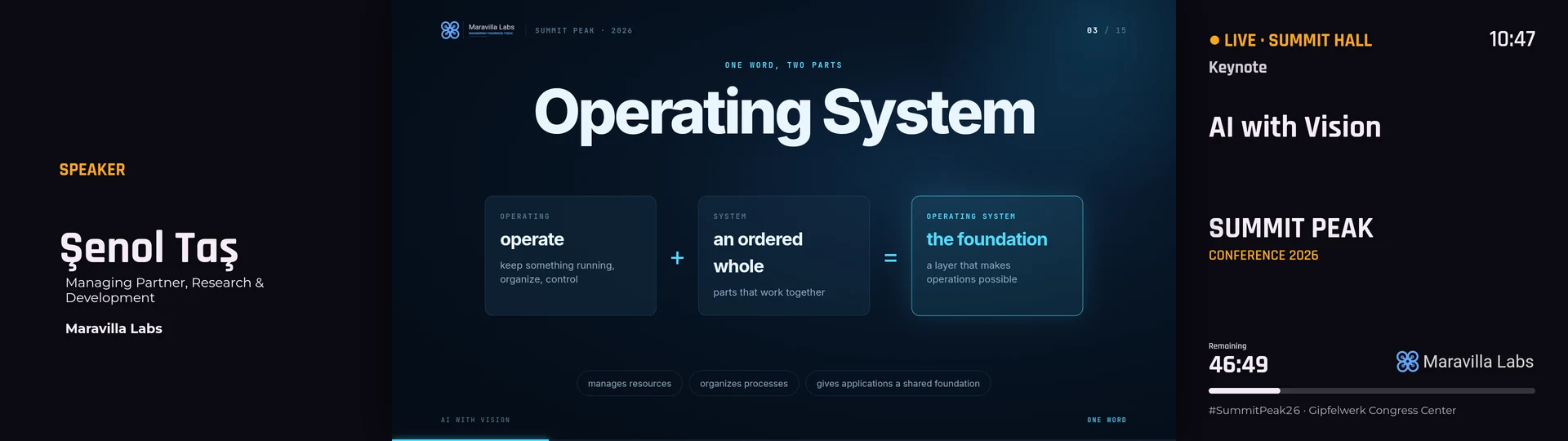
How to build a video wall from ordinary screens
Two, three or twelve TVs showing one picture, with video and motion running across all of them. What you need, how to hang and design it, and how the screens stay in step.
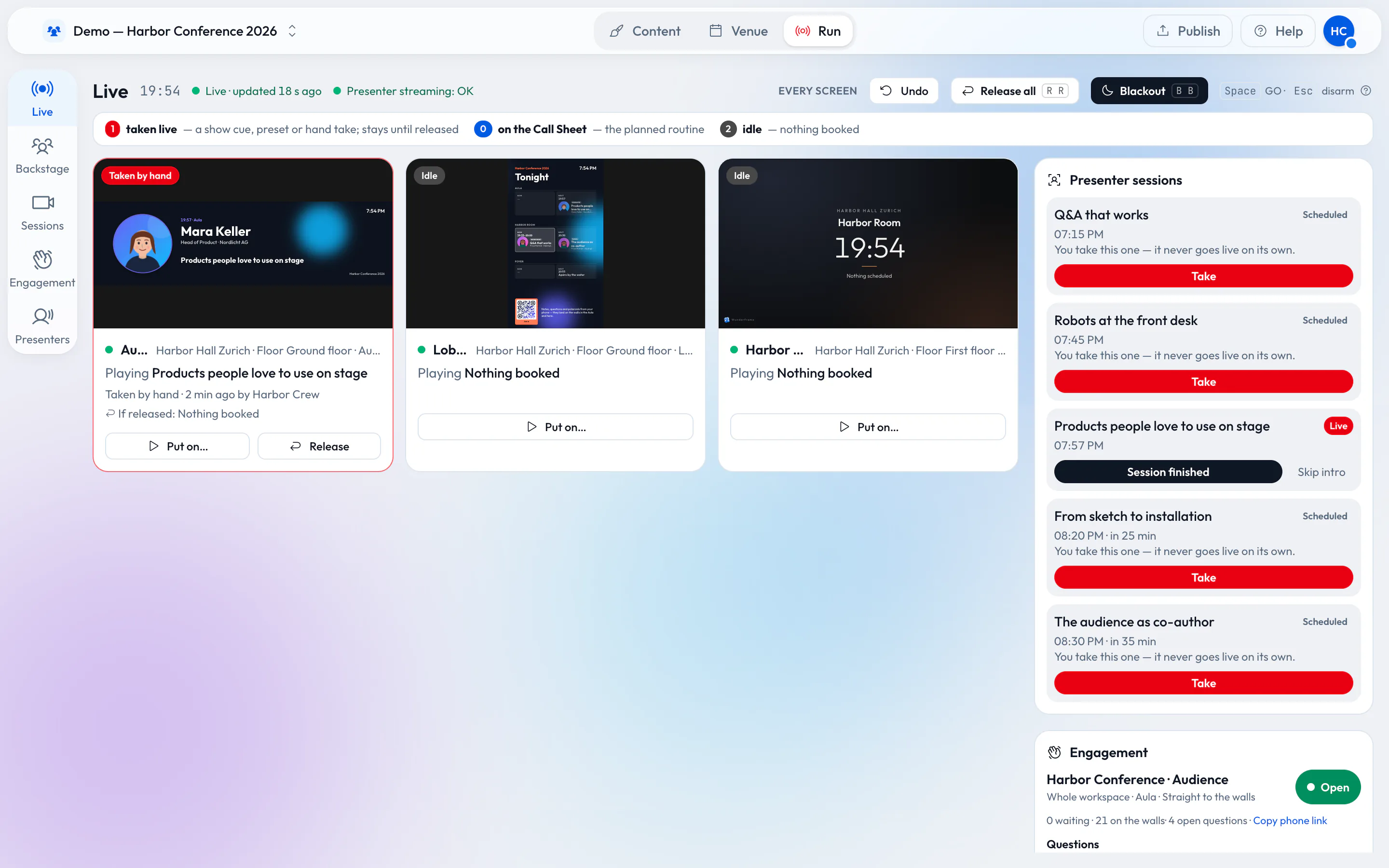
How an event should really run
A wide stage screen, speakers who join from anywhere and an operator with a phone. For a conference, a wedding or a company evening in a rented venue, with little more than a browser, an Android TV box or a Raspberry Pi.
Old Android TV boxes and Raspberry Pis as signage players
Cheap boxes, reliable screens. What an Android TV box or a Raspberry Pi can run, where the limits are, and a checklist for event day.