Solutions
One system for your screens, shaped by how you work.
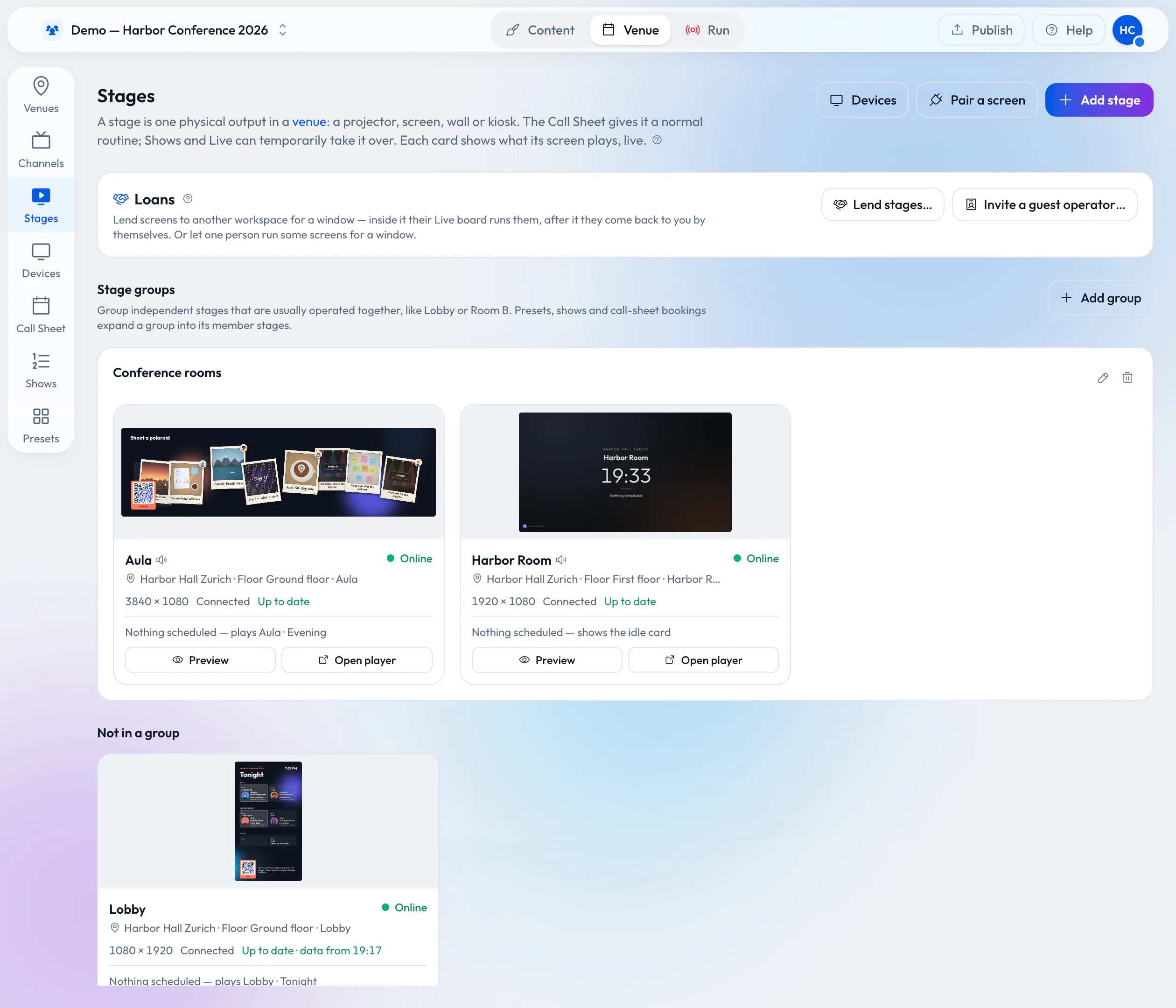
A conference with six rooms, a wedding with one projector, a hall you rent out every week, a clubhouse with a TV by the bar. Wunderframe runs all of them the same way: what plays on every screen, who is on stage and what your guests send from their phones.
Who it is for
Find the setup that fits how you work.
-
Digital signage for every day
For digital signageMenu boards, reception and shop-window screens on a schedule, fed from your data, playing offline — and usable by touch or a hand gesture, even on an ordinary TV.
-
Airports and business parks
For airports and business parksDepartures and live data from your own systems, tenant news and directories from your lists, and wayfinding visitors use with a hand gesture, in several languages.
-
Conferences and corporate events
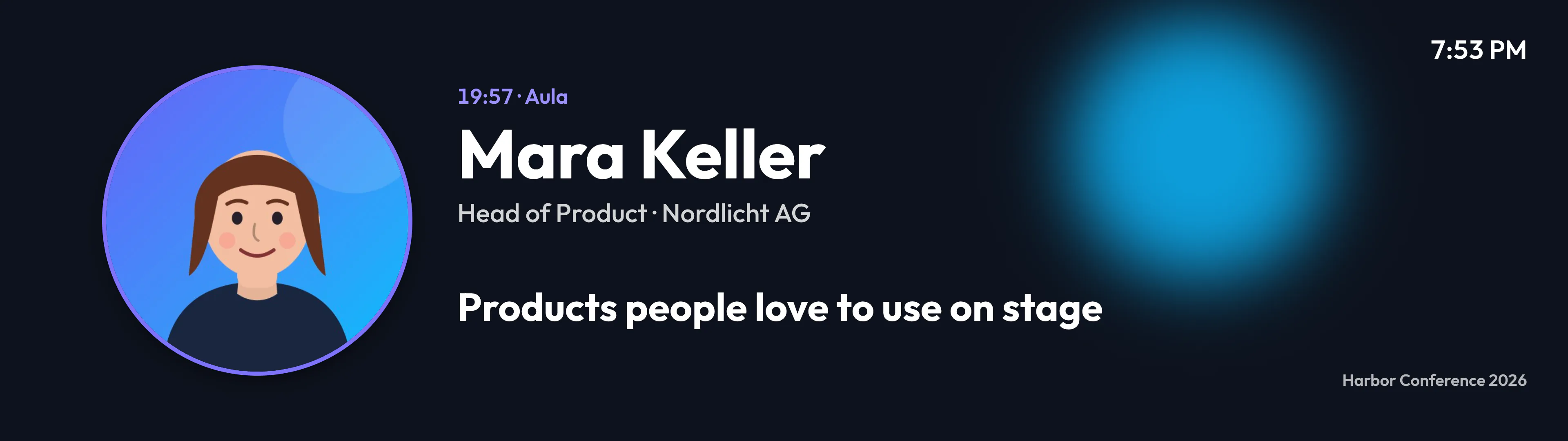
For conferencesEvery room on cue from one live desk, speakers on screen from a link, agenda boards that follow the clock, and Q&A from the audience.
-
Weddings and private celebrations
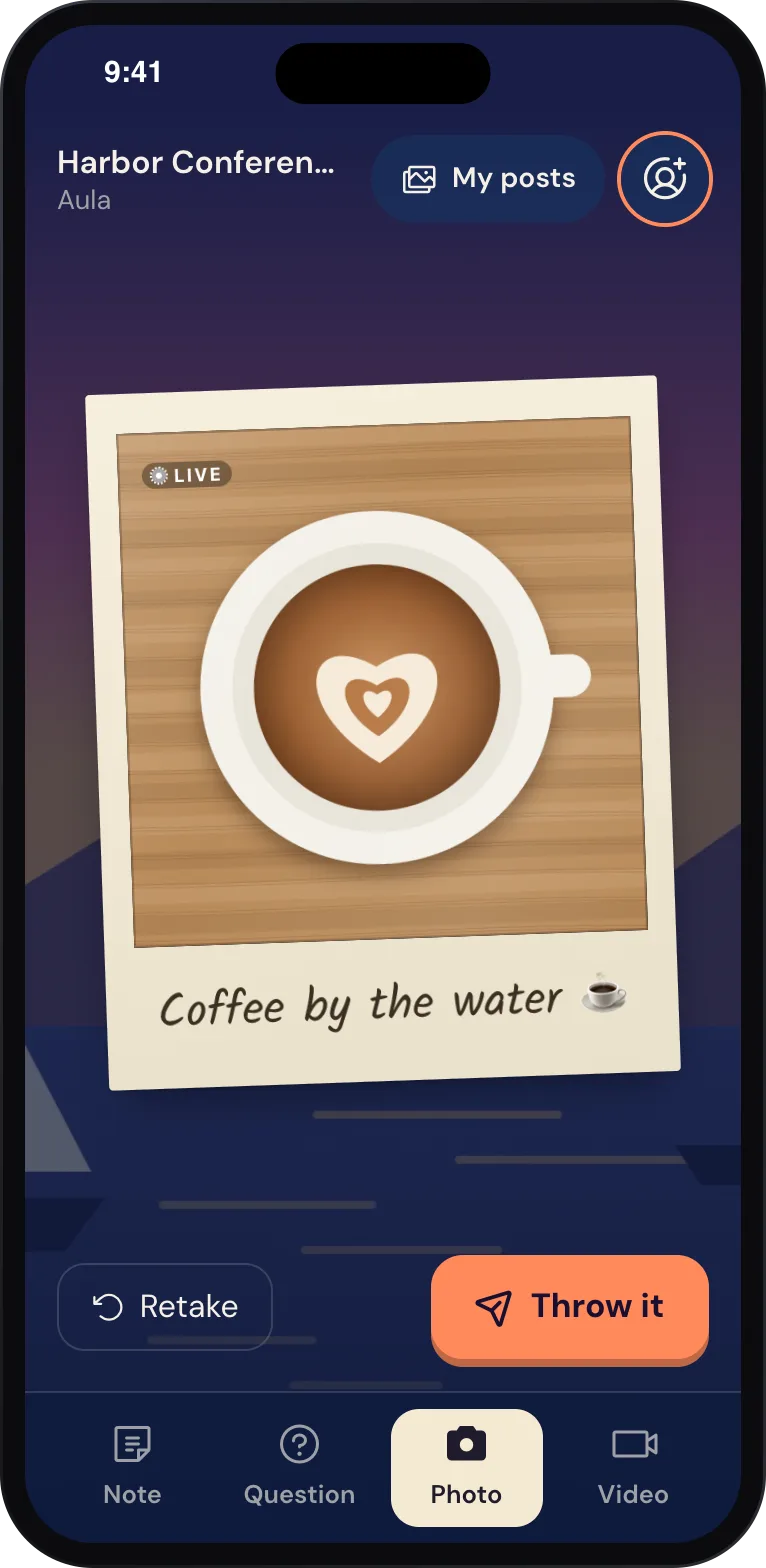
For celebrationsGuests scan a QR code and their photos, wishes and short videos land on the big screen as polaroids and sticky notes. No app.
-
Event agencies and planners
For agenciesPrepare a client’s event from your office, preview it, and run it on the venue’s screens — then reuse the setup for the next one.
-
Venues and hotels
For venuesLend your wired screens with the room for the booking, and get them back automatically. Lobby boards and idle loops the rest of the time.
-
Photographers and photo booth operators
For photographersPut your shots on the event’s polaroid wall and give every guest a take-home link — from your own booth, through the API.
-
Sports and club events
For clubsFixture boards and sponsor loops from your data, a fan photo wall, and the match on the clubhouse TV.
The same product underneath
Every solution is the same Wunderframe — stages, stories, schedules, your data and a live desk — set up for the way you work.
Try it on the screen in front of you.
Create a workspace, pair a screen with its six-letter code and play your first story in a few minutes.
Free while in early access. No credit card needed.