For photographers and photo booth operators
Your photos on the big screen, and in every guest’s pocket.
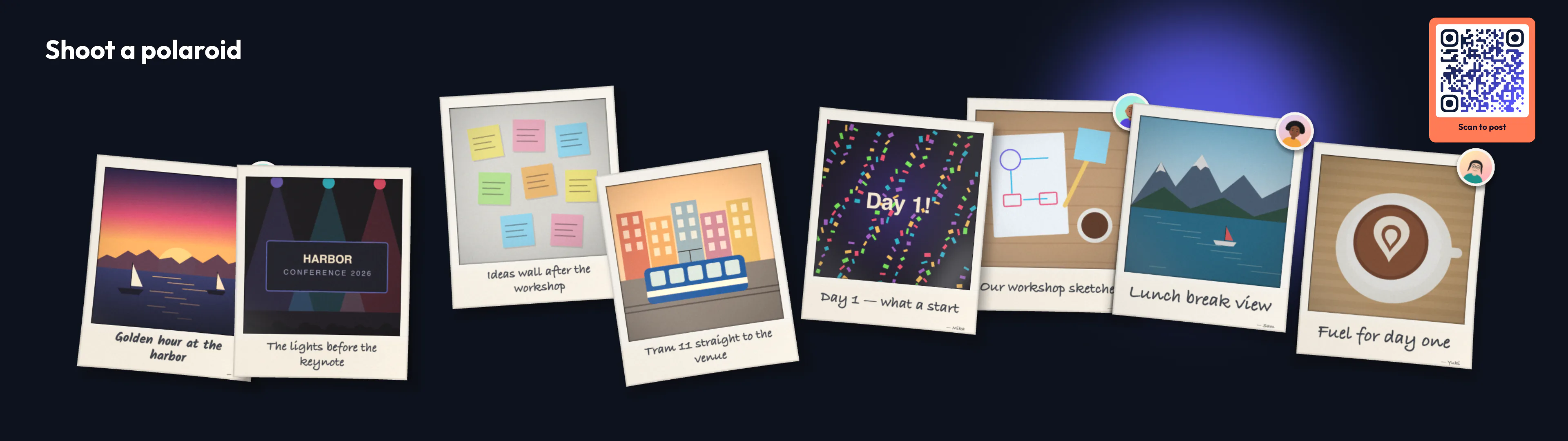
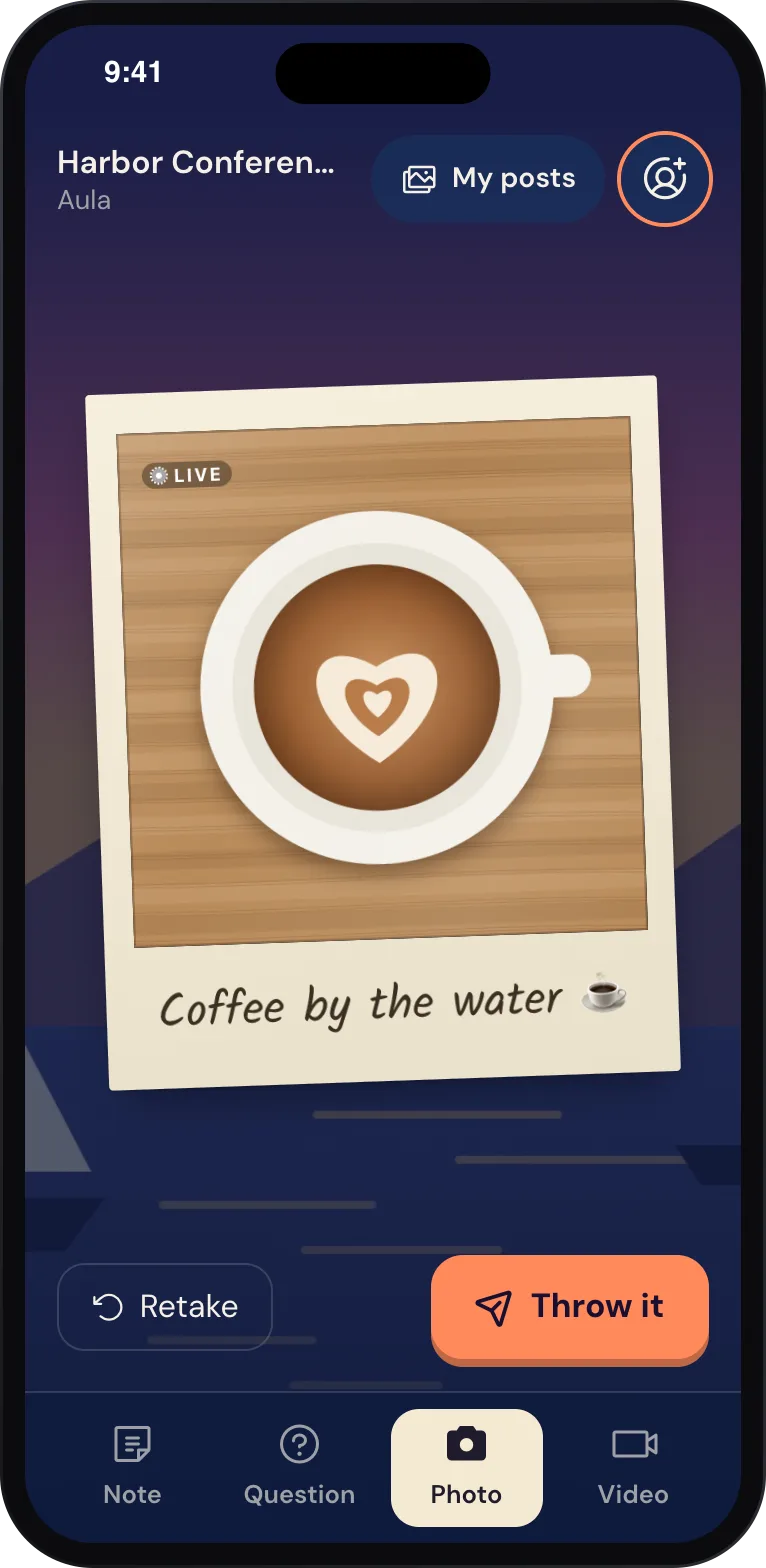
You bring the camera, the light and the eye. Wunderframe brings the wall: your shots land on the event’s screens as polaroids while the guests are still at the booth, and each guest scans a code to take their picture home.
The situation today
A booth takes great pictures, but most of the room never sees them during the event, and the gallery link arrives when the evening is long over.
New · Engagement API
Connect your own booth.
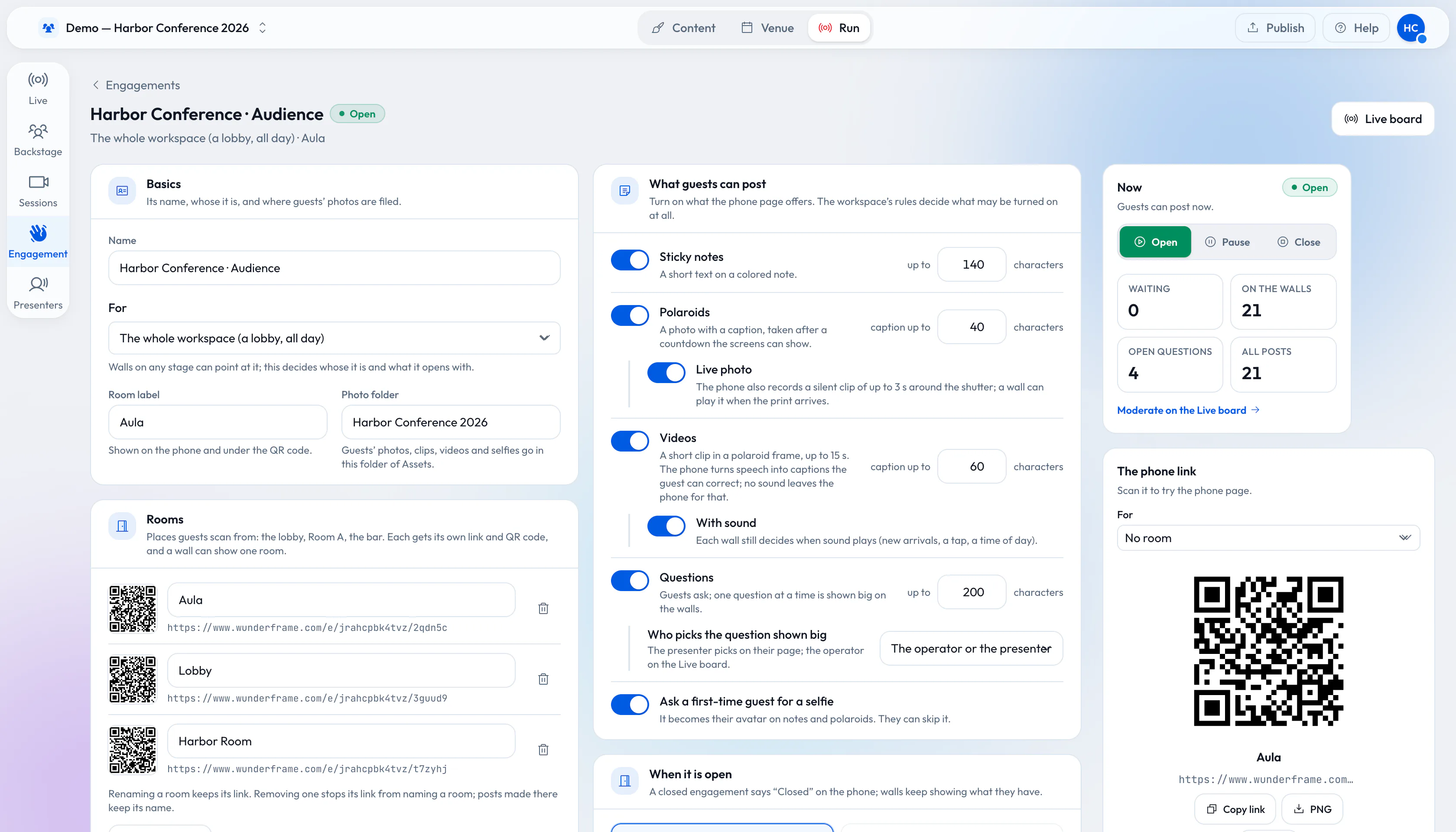
The Engagement API is part of Wunderframe’s API. Your booth software asks for an upload address, sends the photo or video, and posts it to the event’s engagement — labeled with your booth’s name. From there it goes through the same moderation and lands on the same walls as a guest’s photo.
Then the API gives you a take-home link for that one picture. Show it as a QR code on the booth’s screen, or print it.
The wall
Prints that fly up, big.
Each photo shoots up big in the middle of the wall, then settles in among the others as a polaroid with its caption. Every screen that points at the engagement shows it — the stage, the lobby and the bar at the same time. New prints come first, and nobody is skipped.
Guests can add their own phone photos to the same wall, so your shots and theirs hang side by side.
Take it home
One scan, one photo, theirs.
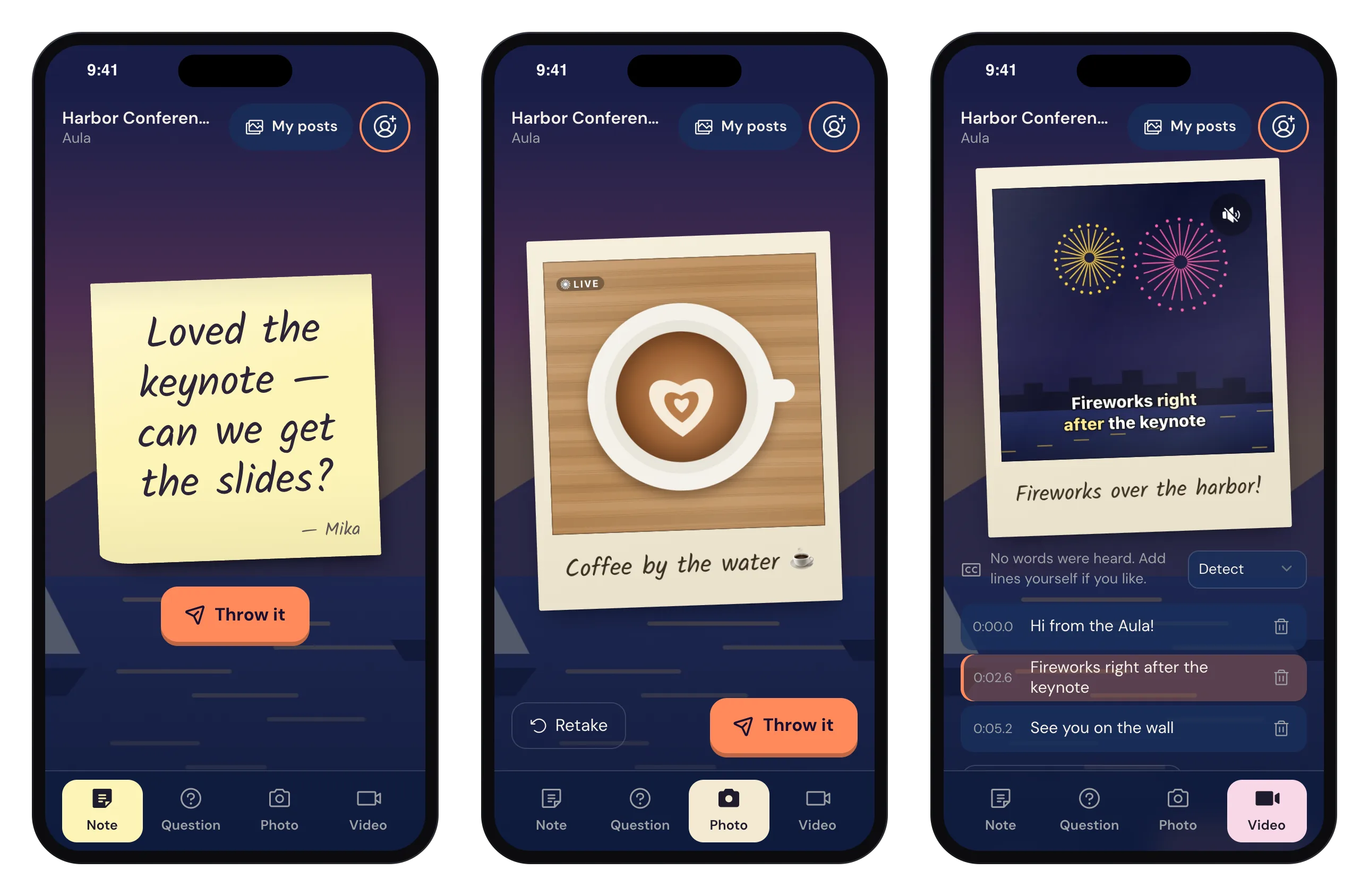
The take-home page shows the guest their own picture and lets them share it through the phone’s share sheet or save it. The link opens that one photo only, and it expires.
- On Free, the shared copy carries a small Wunderframe watermark; the walls always show the clean original
- The event’s consent text and retention apply to your posts too
Good to know
The same rules as every guest.
-
An integration key
The workspace owner creates a key with the engagement rights; it sees only that workspace’s engagements.
-
Moderation applies
If the engagement asks for approval, your photos wait for it like everyone else’s.
-
Closed means closed
When the operator closes the engagement, it closes for your booth too. A paused one still accepts posts and shows them later.
What you need
Your booth, a key and a screen.
-
Your camera or booth
Whatever software drives it, as long as it can make web requests and show a QR code.
-
A screen for the wall
Any screen with a browser, an Android TV box or a Raspberry Pi.
-
A connection
Your booth and the screens need the internet at the venue.
Read more
For people behind the lens.
-
Your booth photos on the event wall
Read the postHow a booth, the wall and a take-home link fit together.
-
Photo booth hire vs your screens
Read the postAn honest comparison, and why the two work well together.
-
API reference
API docsKeys, scopes and every endpoint.
Put your next shot on the wall.
Start a workspace, open an engagement with photos on, create a key and send your first picture from the booth.
Free while in early access. No credit card needed.