What does digital signage cost in Switzerland in 2026?
Software subscriptions, all-in rental and the costs nobody lists. Published prices with their sources, and a five-screen, three-year example you can redo with your own numbers.
The Wunderframe team 5 min read
“What does a screen cost?” sounds like a question with one number for an answer. In practice a digital signage project has three bills: the software that decides what plays, the hardware that shows it, and the time it takes to set it up and keep it current. Vendors package these differently, which makes their prices hard to compare directly.
This post sets out the models you will meet in Switzerland in 2026, with published prices and their sources, and a worked example you can redo with your own numbers. Prices change, so check each source before you decide.
The three models
- Software subscription, your hardware. You pay a license per screen per month or year and bring your own screens and players. This is the most common model.
- Rental, all in. You pay one monthly amount per screen that covers the display, the player, the software and usually service. It costs more each month, but there is less to buy upfront.
- Buy and host it yourself. On-premise software with a one-off license, run by your own IT. This makes sense for large fleets with an IT department. We leave it out below because its costs depend almost entirely on your own setup.
What the software costs
Published list prices per screen, as the vendors show them:
- Meister Signage (Swiss): a license of CHF 15 per month, or CHF 180 per year, according to their own guide to what digital signage costs in Switzerland.
- Yodeck: USD 8–16 per screen per month, depending on the plan (yodeck.com/pricing).
- OptiSigns: USD 10–45 per screen per month (optisigns.com/pricing).
- ScreenCloud: USD 20–30 per screen per month (screencloud.com/pricing).
The US prices are in dollars and, as usual for US price lists, without Swiss VAT. The ranges are wide because the higher plans add features: more users, approval workflows, integrations, device management and support. Compare what you would actually use, not just the lowest number.
What rental costs
Meister Signage also lists all-in rental at CHF 149–179 per screen per month (same source). Rental includes the display and the player, so compare it with software plus hardware, not with software alone. Rental fits a fixed-term project, a business that doesn’t want to own equipment, or a place where someone else should be responsible when a screen fails.
A worked example: five screens for three years
This is plain arithmetic on the prices above: five screens, 36 months, list prices, no discounts, VAT not included.
- Software at CHF 15 per screen per month: 15 × 5 × 36 = CHF 2,700, plus the screens and players you buy.
- Software at USD 8–16: 8 × 5 × 36 to 16 × 5 × 36 = USD 1,440–2,880, plus hardware.
- Software at USD 20–30: USD 3,600–5,400, plus hardware.
- Rental at CHF 149–179: 149 × 5 × 36 to 179 × 5 × 36 = CHF 26,820–32,220, with hardware included.
The gap between the subscription lines and the rental line is what you would otherwise spend on hardware, installation and looking after it. Whether buying is cheaper depends on what your screens and players cost and how long you keep them.
Compare a rental with software plus hardware, never with software alone.
What the hardware costs
We don’t give hardware prices here because they depend too much on size, brightness and where the screen hangs. But the parts are always the same:
- The display. A commercial display is built to run many hours a day and usually costs more than a consumer TV of the same size. For a screen that is on twelve hours a day, that is often worth it. A meeting room screen that is on for an hour can be an ordinary TV.
- The player. A small box behind the screen: an Android TV box, a Raspberry Pi, a mini PC, or the screen’s own browser. It is often the cheapest part, and the one that decides how reliable the whole setup is. We wrote about using boxes you may already own in Old Android TV boxes and Raspberry Pis as signage players.
- Mounting and cabling, and power and network at every screen.
The costs nobody lists
- Installation. An electrician or installer for the mounts, power and network at each screen, especially in older buildings.
- Content. Screens that show the same slides for a year stop being noticed. Someone has to make the content, and that time usually costs more than the license.
- Keeping it running. Who notices when a screen is black? Who goes and restarts it? Remote monitoring (seeing what each screen really shows, restarting it from the office) saves trips.
- Network. Guest or hotel Wi-Fi with a login page or client isolation is a common reason screens don’t work on the day.
- Electricity for screens running all day.
Questions to ask any vendor
- Is the price per screen, per player or per location? What about a video wall of four panels?
- What happens when the network drops: does the screen keep playing, or go black?
- Can I see what each screen is actually showing, from the office?
- Which players are supported, and can I use hardware I already own?
- What happens to my screens if I stop paying?
- Where is my data stored? For Swiss organizations this is a question about the Swiss data protection act (nDSG).
Where Wunderframe fits
Wunderframe is signage software that is also built for events. It plays on hardware you own: a browser, the Android TV app, the desktop app for Windows, macOS and Linux, or a Raspberry Pi 4 or 5. Screens keep their program on the device and play on without a network (see Offline, caching and storage). You can watch what a screen really shows, and restart it, from Devices.
What sets it apart from the tools above is the live side: speaker intros from your program, presenters who join by link, an operator desk on a laptop or a phone, and guests who send notes and photos to the walls. If your screens only ever show a menu, a simpler tool may be all you need. If they also have to run an event, read How an event should really run.
Wunderframe is new, and we say so. You can install the Android TV app from Google Play. The Raspberry Pi player is our newest player, so try it on one screen before a whole venue.
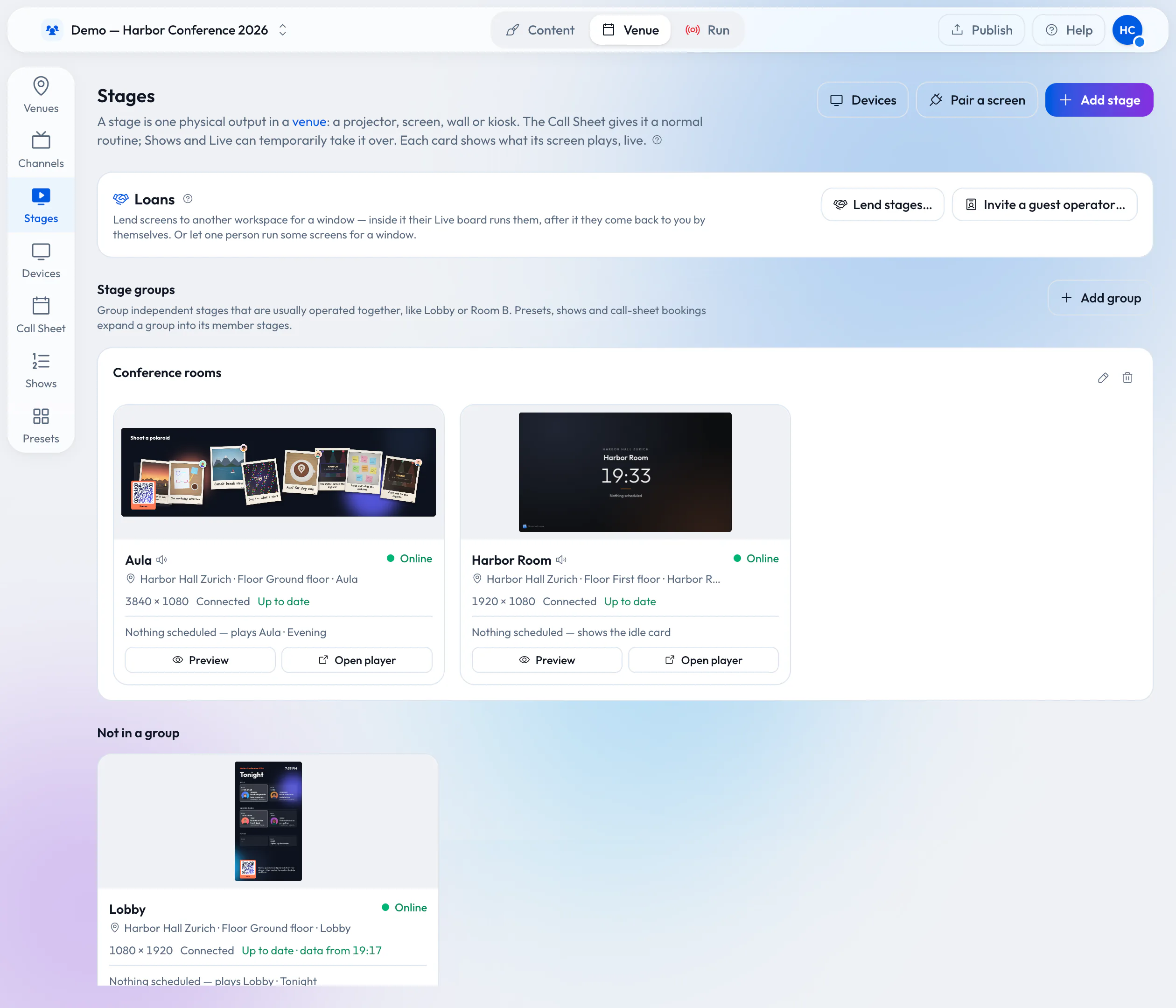
Stages in one venue: a wide Aula, a portrait lobby screen and a meeting room, each online and up to date.
See the plans
Our current plans are on Pricing. The quickest way to find out whether Wunderframe fits is to start free, open a stage’s player link on a screen you already have, and follow Getting started.
Related posts
Screens you use with your hands: no touch, no app
Any TV and an ordinary webcam make a kiosk visitors use from a step away: raise a hand, point, pinch, swipe. How it works, what it needs, how people learn it, and how to set it up in four steps.
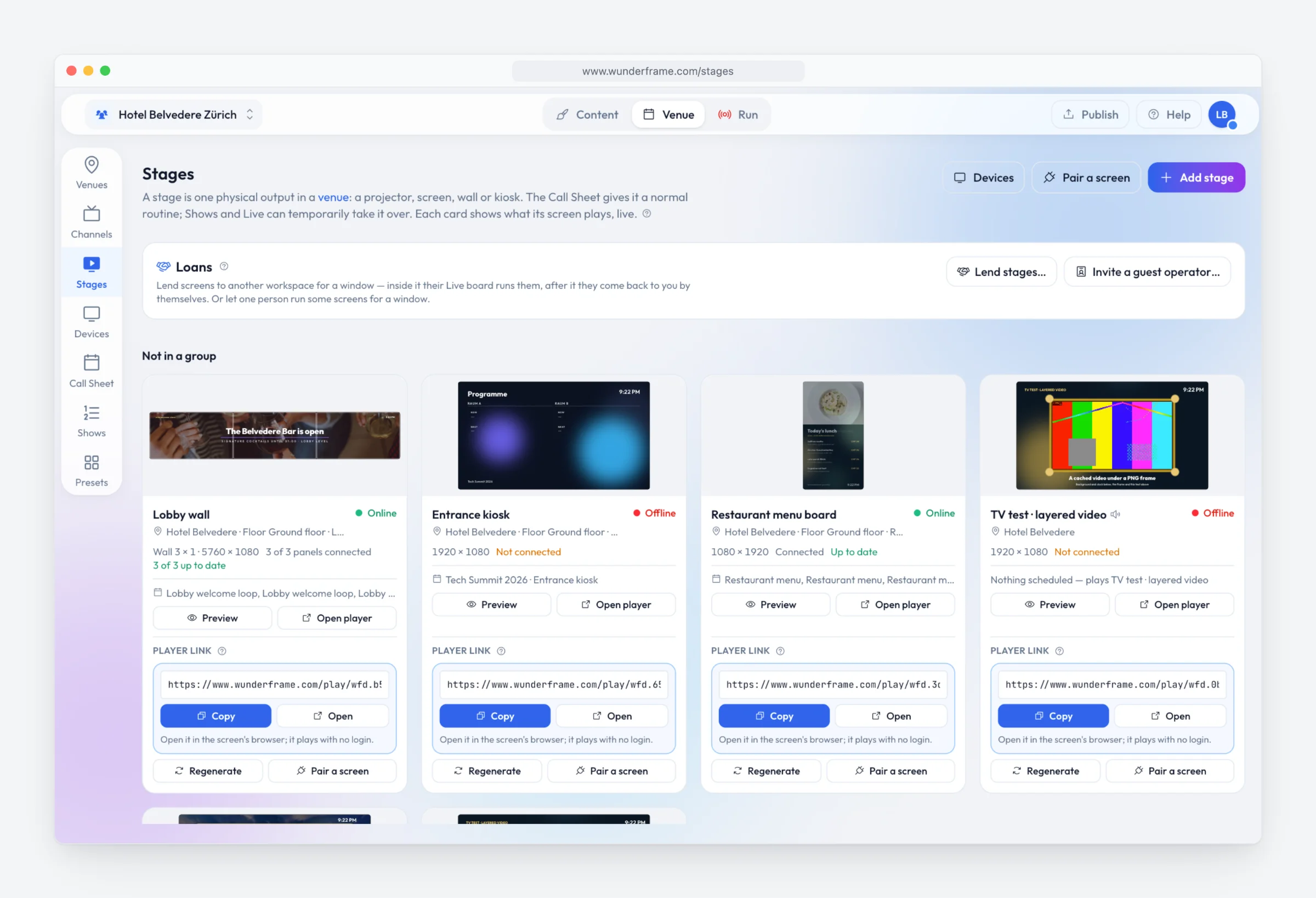
Digital signage with Wunderframe: not only for events
We are often asked whether Wunderframe is only for events. It is not: the same system runs the menu board, the reception screen and the shop window every day — and can turn an ordinary TV into a screen people use with their hands.
Lend your wired screens with the room
Your rooms already have screens on the wall. Lend them to the organizer who books the room: they prepare and run everything in Wunderframe before they arrive, nothing is wired on the day, and the screens come back to you when the booking ends.