Put your photo booth’s pictures on the event’s wall
For photographers and photo booth operators: how your own booth can post its shots to an event’s polaroid wall through the new Engagement API, and hand each guest a take-home link — what it takes, and where the limits are.
The Wunderframe team 3 min read
A good photo booth has a queue. What it rarely has is an audience: the pictures go into a gallery link that guests open days later, and the rest of the room never sees them during the event.
If the event runs Wunderframe, your booth can change that. Its shots can land on the same polaroid wall as the guests’ phone photos, on every screen in the venue, while the guest is still standing at the booth. And the guest can scan a code to take their picture home.
The Engagement API, in short
The Engagement API is new, part of Wunderframe’s API. Any program that can make web requests can use it: your booth software, a kiosk, a script. A session looks like this:
- Find the engagement. List the workspace’s engagements and pick the event’s — you see whether it is open, what it accepts and which rooms it has.
- Upload. Ask for an upload address for a photo or video, then send the file there with a PUT.
- Post. Post it to the engagement, with an optional caption, the room and a label for your booth, such as “Booth 1”.
- Take home. Read the post back until its share copy is ready, and you get a take-home link for that one picture.
The details — keys, scopes, the exact requests — are in the Engagement API docs and the API reference.
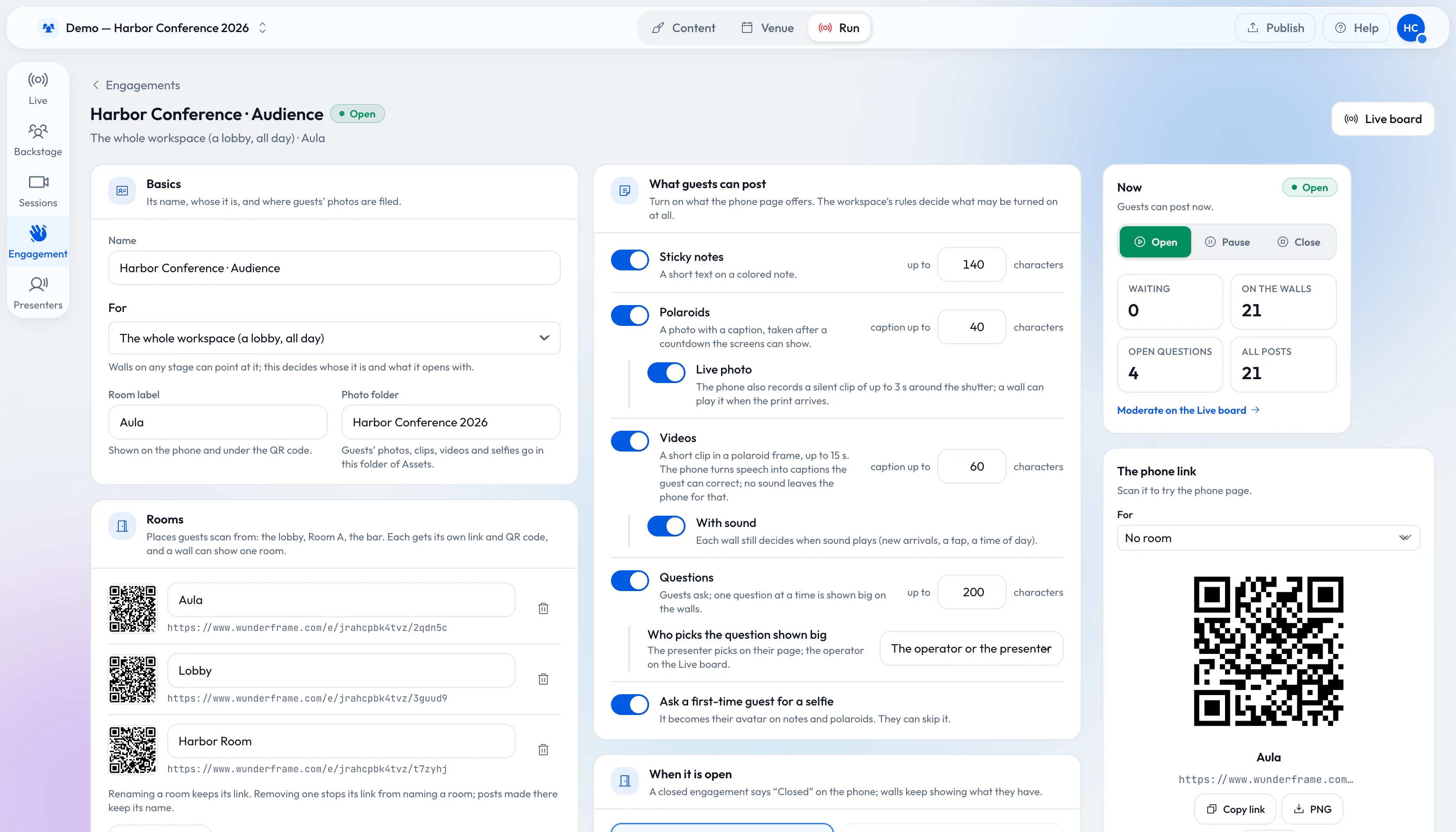
The engagement your booth posts to: what it accepts, its rooms and whether it is open.
Same rules as every guest
A photo from your booth goes through the same pipeline as a photo from a guest’s phone. That is deliberate, and it has consequences you should plan for:
- Moderation applies. If the organizer approves posts first, your photos wait too.
- Consent applies. If the workspace asks guests for consent, your booth has to confirm that the person agreed at the booth.
- Open means open. A paused engagement still accepts posts and shows them later; a closed one refuses them.
- Retention applies. Your photos are deleted with everyone else’s when the organizer’s retention period ends.
The take-home link
Once the share copy is ready, the API gives you a link to a page with just that picture. Show it as a QR code on your booth’s screen, or print it on the strip. The guest opens it, sees their photo and shares it through the phone’s share sheet or saves it. The link opens only that photo, and it expires.
On the free plan the shared copy carries a small Wunderframe watermark. The walls always show the clean original.
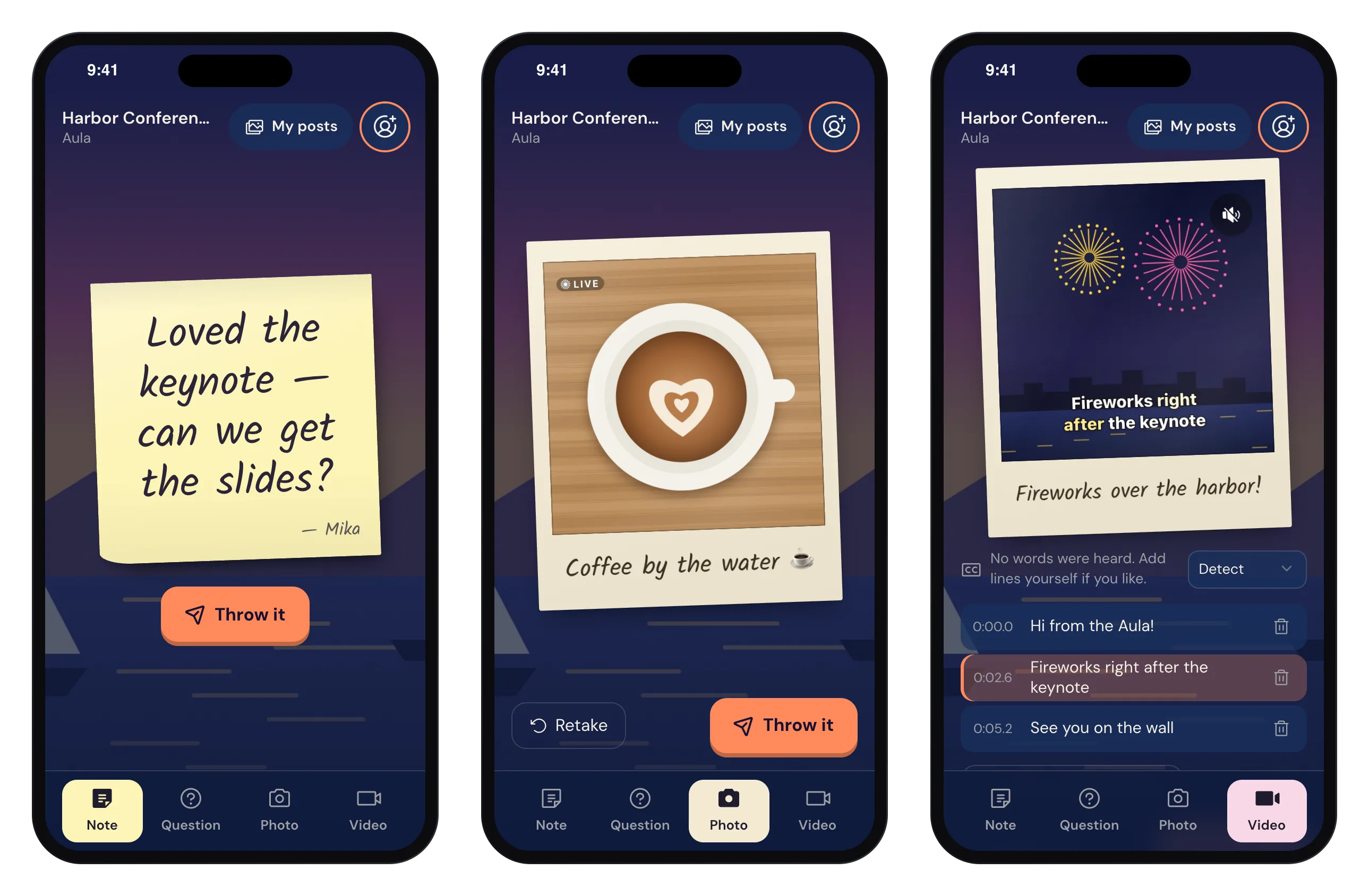
The guest side: the same pages guests use from their own phones.
What this is not
It is not a gallery service and not a print service: your prints, your albums and your delivery to the client stay yours. It needs the organizer to run the event on Wunderframe and to give you an integration key for their workspace. And because the API is new, expect it to grow; the docs are the place to check what it does today.
Try it before your next booking
Start a workspace, open an engagement with photos on, create a key and post a test picture from a script. For the guest side of the same wall, see A guest photo wall for your wedding. Everything for your trade is on Wunderframe for photographers and photo booth operators. Start free.
Related posts
From QR code to polaroid wall: engage 1,000 guests without an app
A QR code, a phone browser and your screens. How to set up sticky notes, questions and a polaroid wall for a big crowd, and what changes when a thousand people post.
Accessible events: live captions on the phone and the big screen
Captions on guests’ videos, made on the phone and shown on the wall, a guest page that works with a screen reader, and what Wunderframe does not cover.
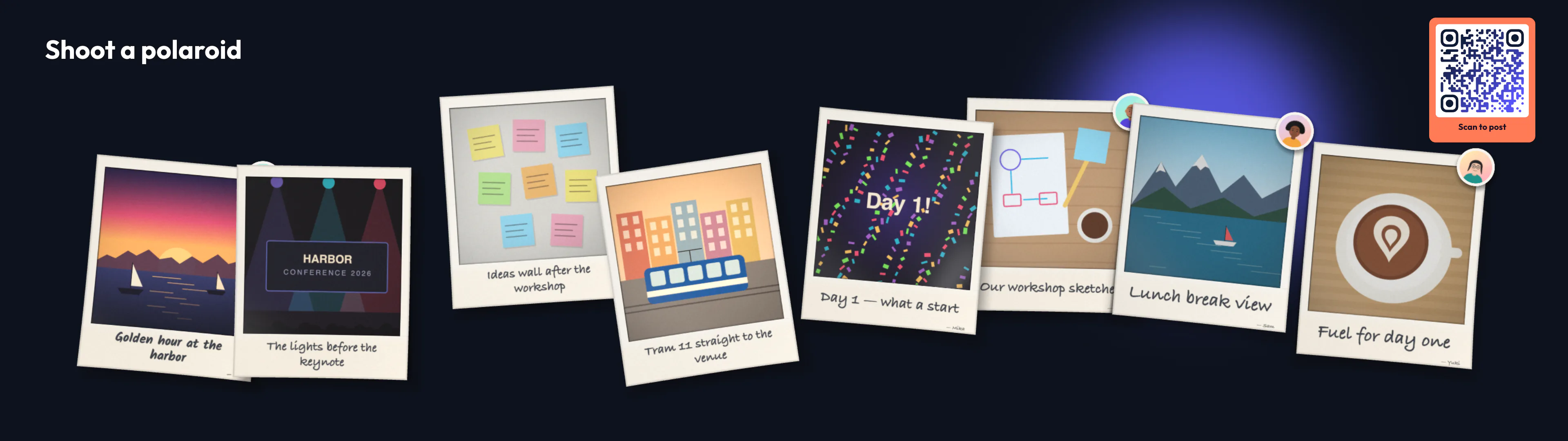
Photo booth hire vs a photo booth on your screens
A hired booth gives you prints and great light. A polaroid wall gives every guest a camera and the whole room a show. What each costs and does, and when to use both.