A guest photo wall for your wedding, no app needed
Guests take the best photos of a wedding, and the couple usually sees them weeks later. A photo wall puts them on the big screen during the party. How to set one up, what makes guests use it, and what to decide about privacy first.
The Wunderframe team 3 min read
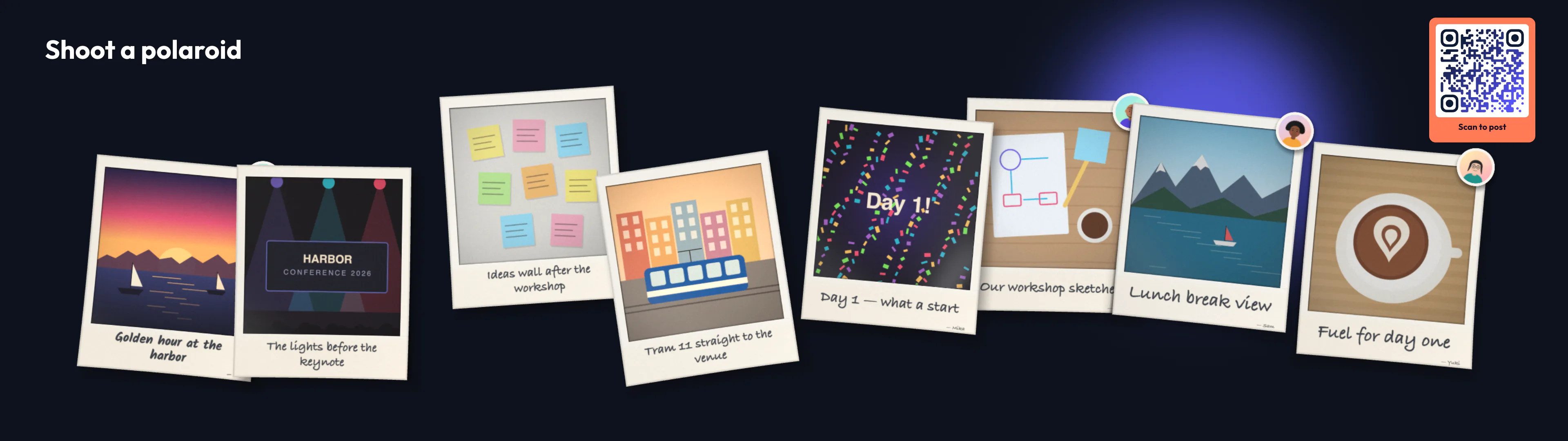
At a wedding, a hundred phones take a thousand photos. The couple sees a handful of them that evening and the rest, if at all, in a shared album weeks later. Meanwhile the venue has a screen or a projector that shows a slideshow of childhood pictures on repeat.
A guest photo wall joins the two: guests’ photos and wishes appear on the big screen while the party is still going.
How it works for a guest
- They scan a QR code on the screen or on the table card. A page opens in their phone’s browser — no app, no account.
- They see your welcome, in your colors. A name is optional. If you ask for consent, they agree to your text first.
- They take a photo. The phone counts down three seconds while the top edge of a polaroid peeks in on the screen.
- The photo shoots up big, then settles into the wall with the caption they wrote.
They can also write a wish on a sticky note, or send a short video; the phone turns what they say into captions they can correct before sending.
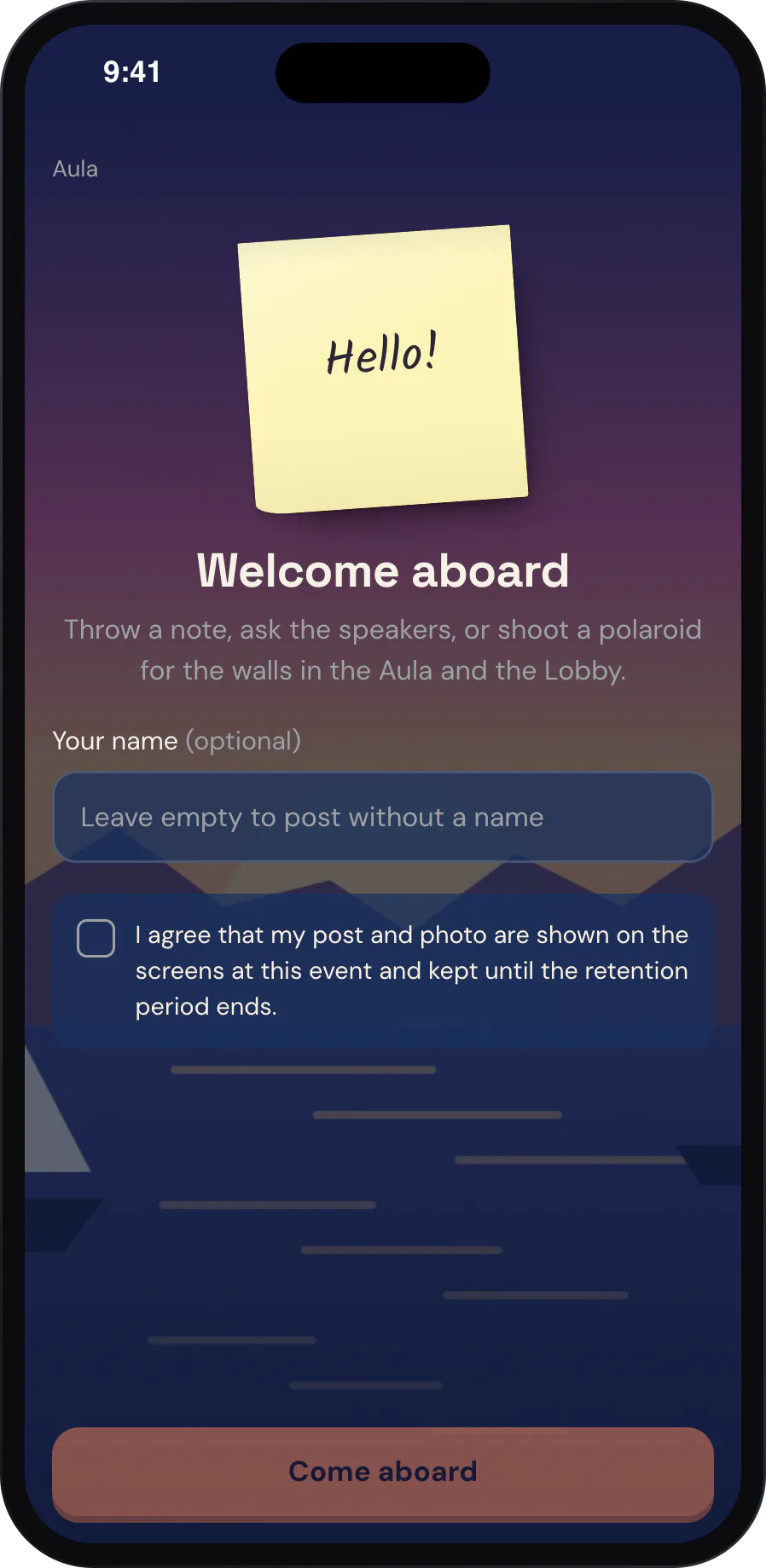
The first thing a guest sees, in the event’s own design.
Decide these before the day
- Who approves. Posts can go straight to the wall, or wait until someone you trust approves them on their phone. At a wedding with an open bar, approval is a kind choice.
- How long photos are kept. You set it; after that, photos and their files are deleted automatically. Guests can save or share their own photos from the page in the meantime.
- When it is open. Open it for the reception, pause it during the speeches — guests can still post, and their photos appear when it opens again.
- What it looks like. A guest page design sets the colors, fonts, background picture and the words guests see, in English, German or French.
What makes guests actually use it
- Say it once, out loud. The best man or the host mentioning the wall does more than any sign.
- Put the code where the light is. By the bar, at the entrance, near the dance floor. Phones take poor photos in the dark.
- Give it a prompt. “Shoot your table” or “Your best wish for the two of them” gets more posts than a code on its own.
- Let the screen be seen. A wall nobody can see from their seat doesn’t invite anyone.
Photos arrive as polaroids, each with the guest’s caption.
What you need
A screen or projector with a browser — or an Android TV box or a Raspberry Pi behind it — and internet at the venue for the screen and the guests’ phones. Check the venue’s Wi-Fi or mobile signal in the room before the day; it is the one thing you can’t fix during the party.
Honest limits
A photo wall doesn’t print, and it doesn’t replace your photographer: guests’ phone photos are candid, not portraits. Guests without a smartphone can’t post. On the free plan, the copy a guest shares carries a small Wunderframe watermark; the wall always shows the clean original. Faces are found only to frame a photo well, on our own platform, and no photo goes to an outside service for that.
Try it at home first
Create an engagement with photos and notes on, put the polaroid wall on your TV and take the first photo yourself. Everything for celebrations is on Wunderframe for weddings and private celebrations; the steps are in Set up an engagement and Privacy. Start free.
Related posts
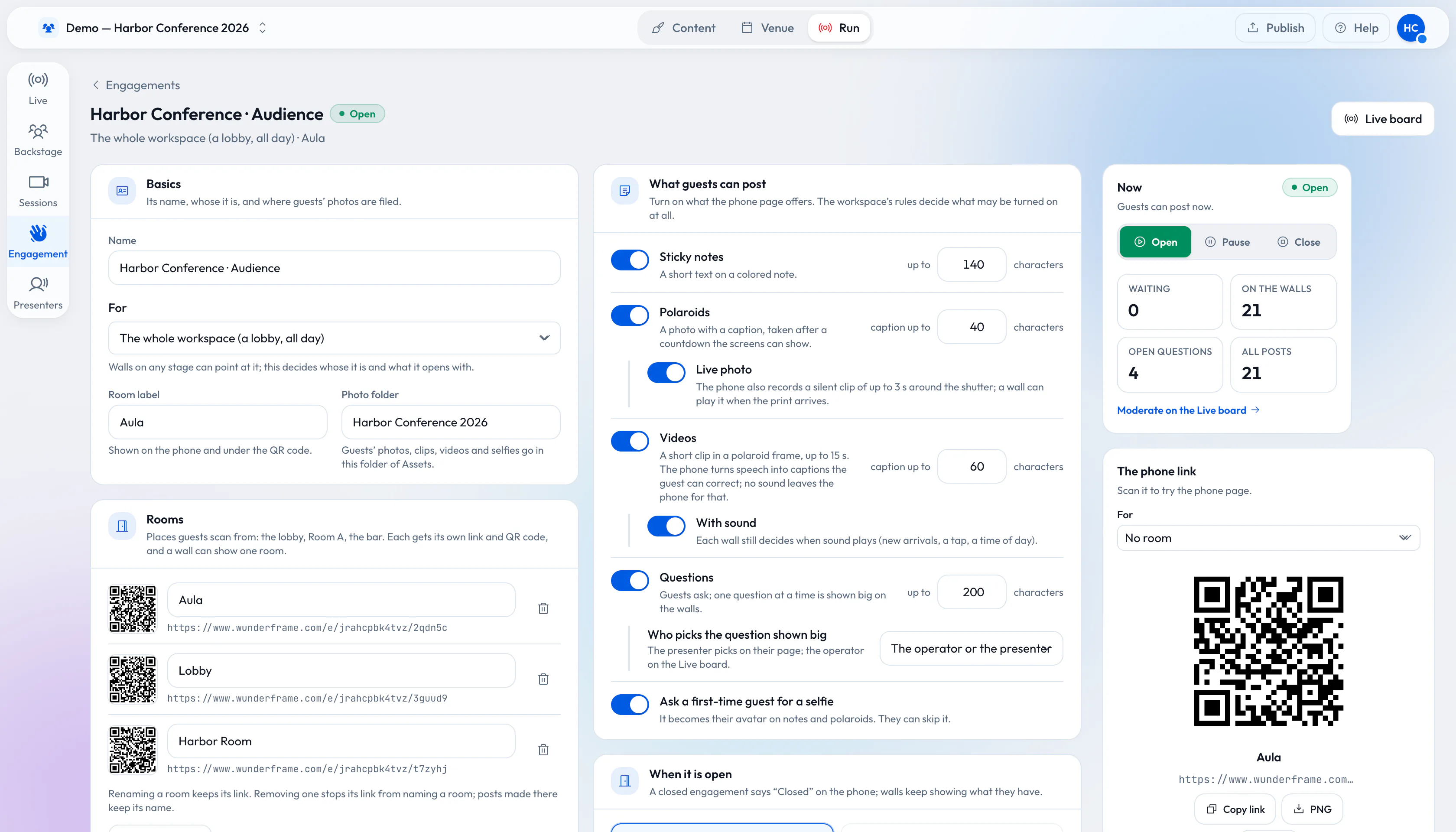
From QR code to polaroid wall: engage 1,000 guests without an app
A QR code, a phone browser and your screens. How to set up sticky notes, questions and a polaroid wall for a big crowd, and what changes when a thousand people post.
Connect your photo booth to the big screen
Your booth already takes great pictures. With the Engagement API every shot lands on the polaroid wall seconds later, and the guest scans a QR code to take it home. The three calls, and a recipe for Sparkbooth, pibooth, dslrBooth and any booth with an output folder.
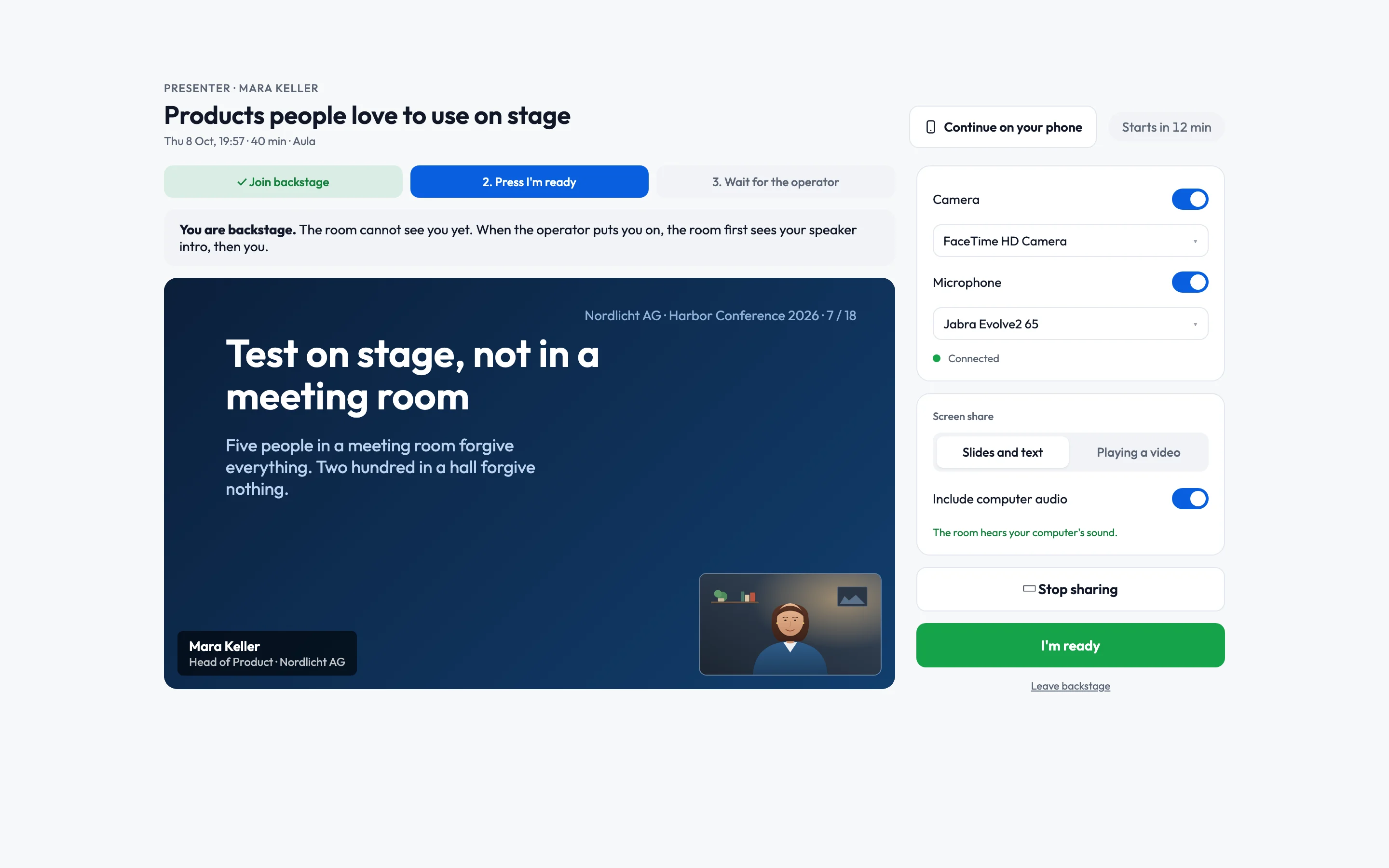
Live speakers without surprises: a playbook for event managers
Rehearsals, the backstage link, a network you control, operators for every room and a Q&A that knows who picks the questions. What to prepare with your speakers before the day, and how the day itself runs.