Screens you use with your hands: no touch, no app
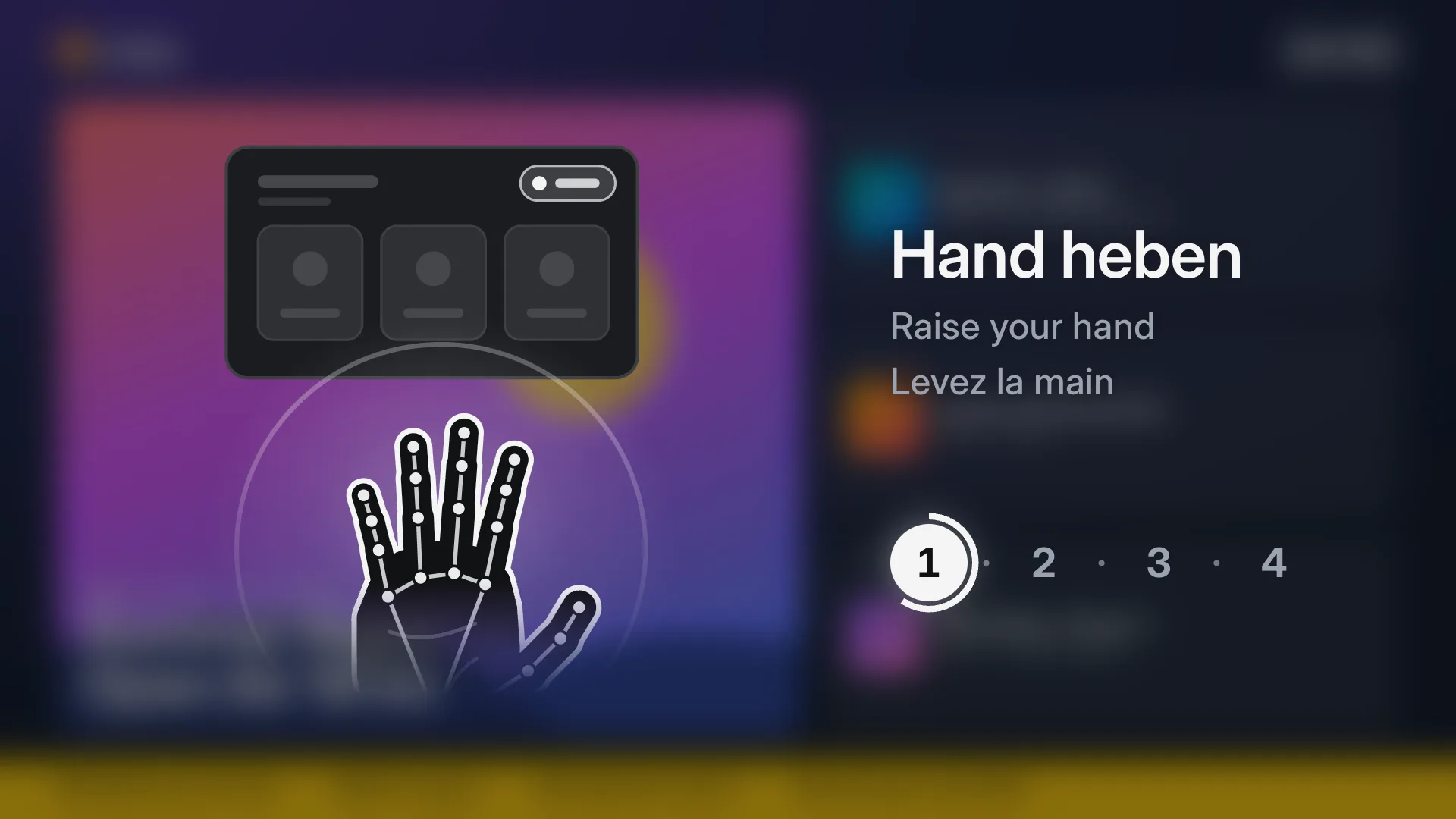
Any TV and an ordinary webcam make a kiosk visitors use from a step away: raise a hand, point, pinch, swipe. How it works, what it needs, how people learn it, and how to set it up in four steps.
Nouveautés produit, récits de jours d’événement et guides pratiques par l’équipe qui construit Wunderframe.
Any TV and an ordinary webcam make a kiosk visitors use from a step away: raise a hand, point, pinch, swipe. How it works, what it needs, how people learn it, and how to set it up in four steps.
We are often asked whether Wunderframe is only for events. It is not: the same system runs the menu board, the reception screen and the shop window every day — and can turn an ordinary TV into a screen people use with their hands.
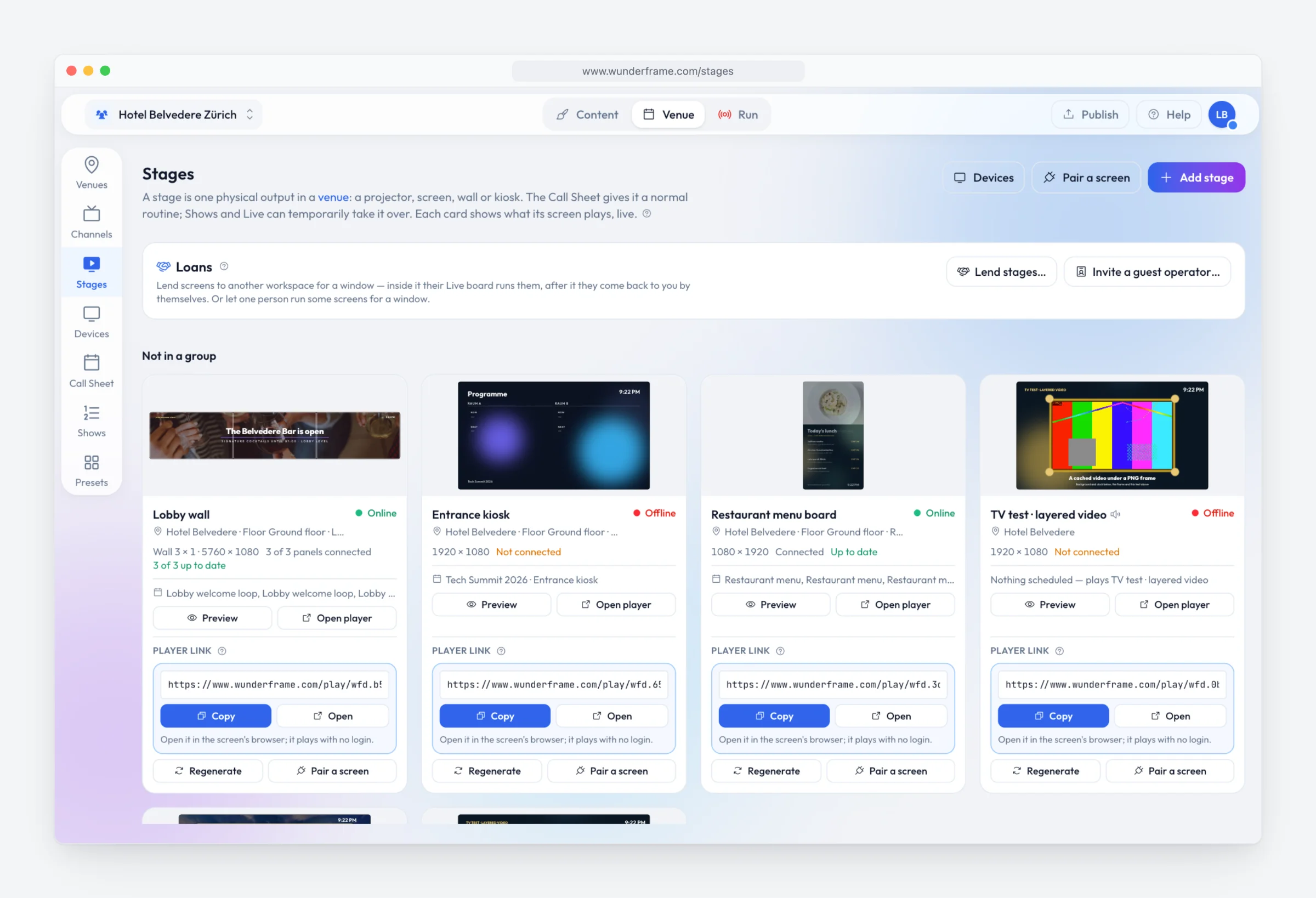
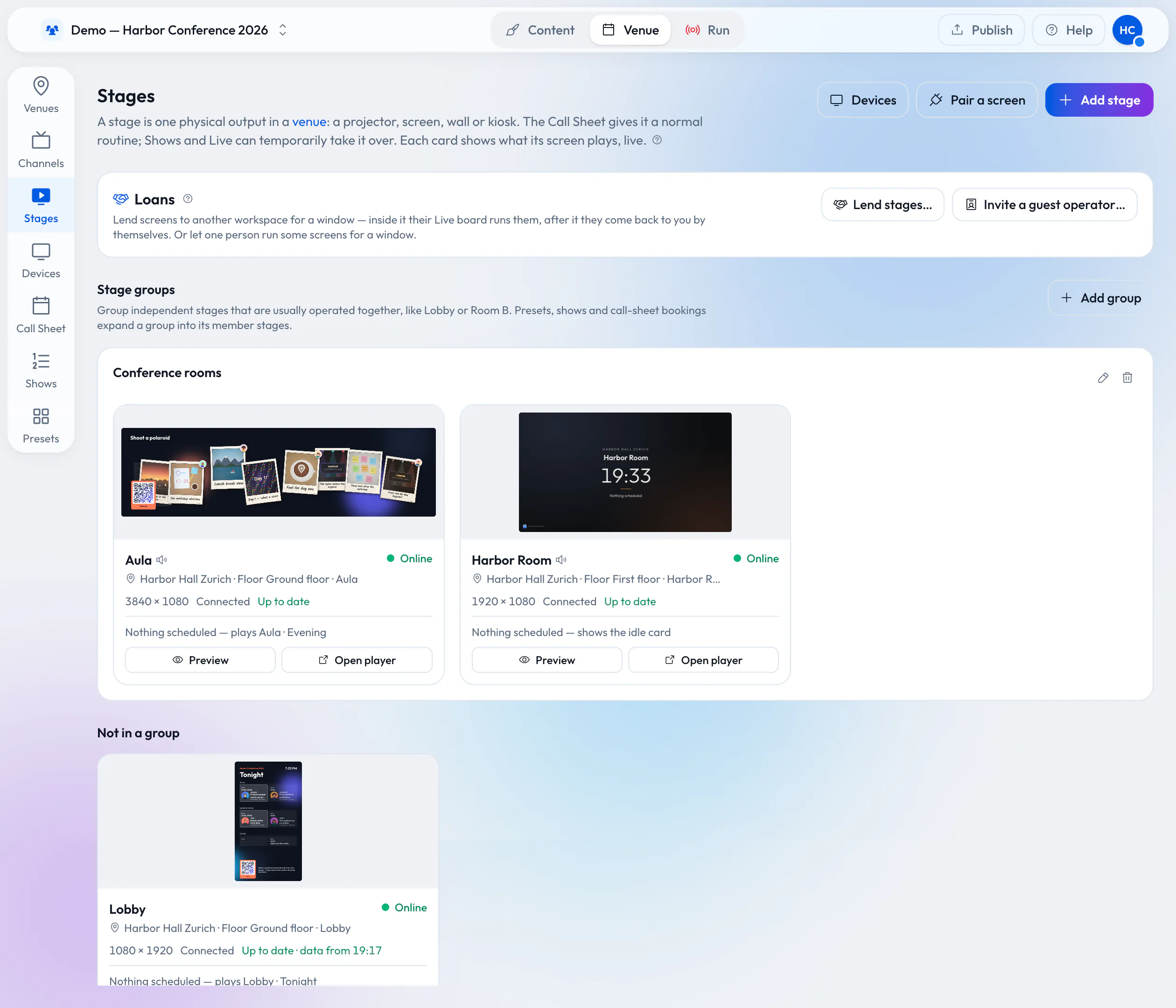
Your rooms already have screens on the wall. Lend them to the organizer who books the room: they prepare and run everything in Wunderframe before they arrive, nothing is wired on the day, and the screens come back to you when the booking ends.
Software subscriptions, all-in rental and the costs nobody lists. Published prices with their sources, and a five-screen, three-year example you can redo with your own numbers.
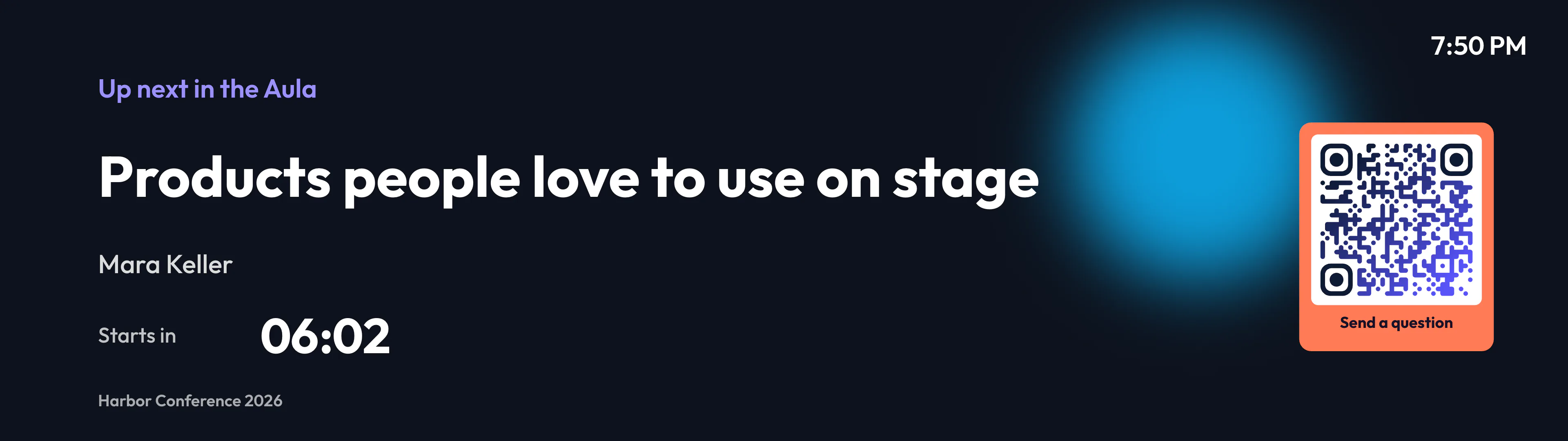
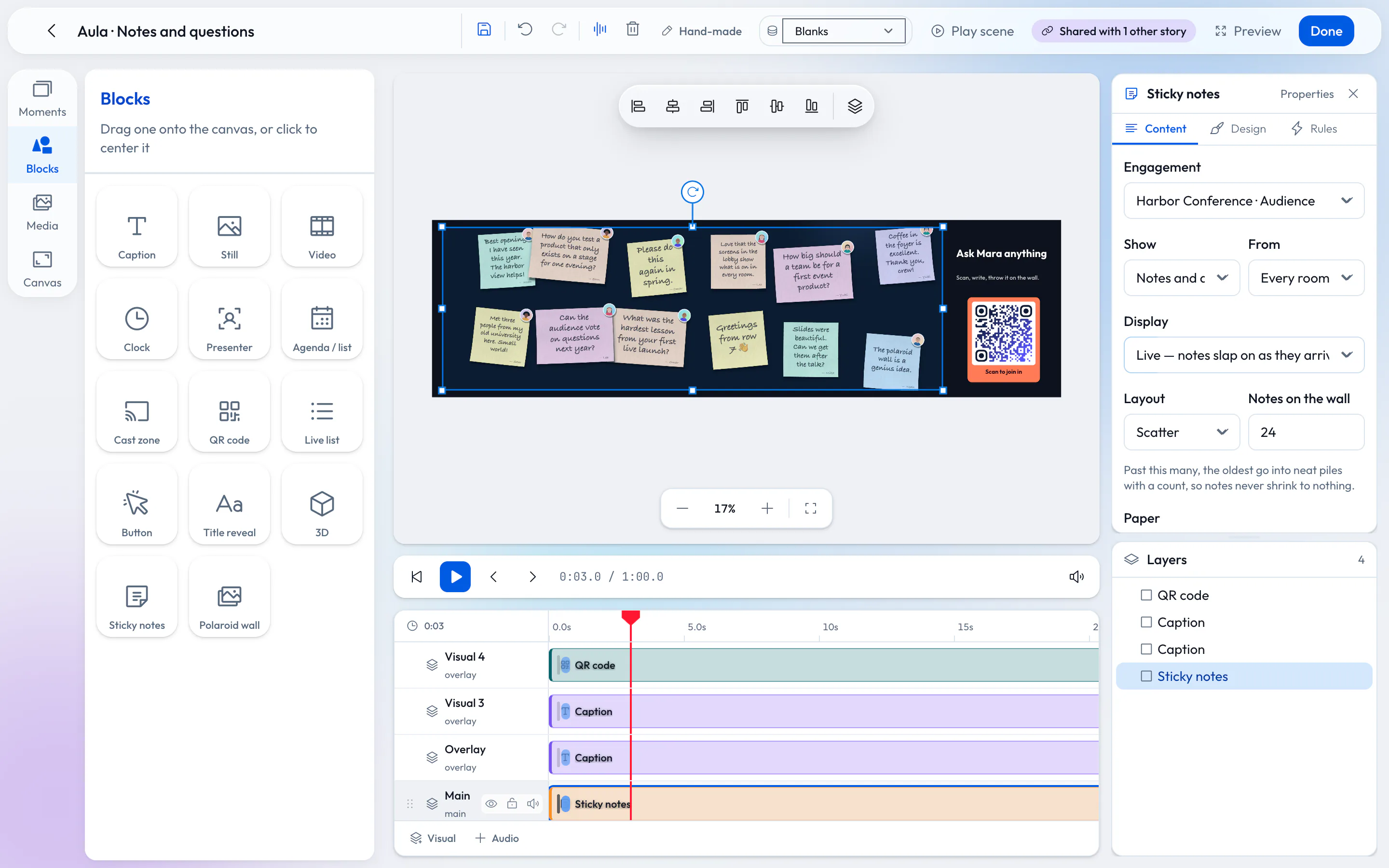
Agencies rebuild the same screens for every client: the intro slides, the agenda, the Q&A, the photo wall. Here is how to build them once as templates and data, preview them before the day, and carry them to the next event.
A venue’s screens are busy on event days and forgotten the rest of the week. A call sheet, an idle card and a few rules keep them useful every day, without anyone standing next to them.